Your Digital Invoice Export
Every company has its own requirements for invoice export. Whether directly to DATEV, into an ERP system, or via a custom-developed integration—with Candis, we’ll work together to find the right solution for your accounting needs.
Invoice Export – Compatible with Your Accounting System
Good invoice management adapts to your accounting software, not the other way around. That’s why Candis tailors the direct integration to the specific target system.
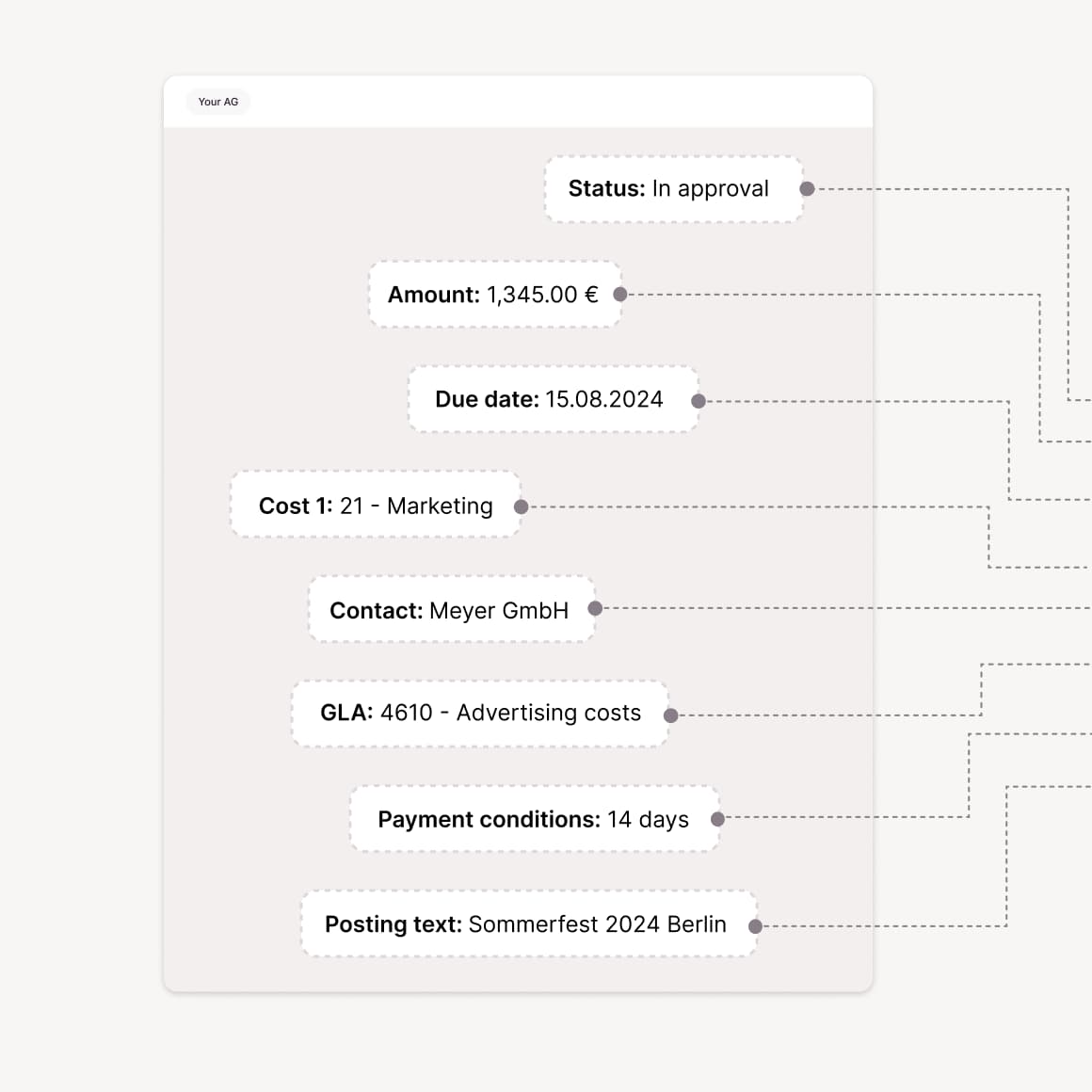
Less manual data entry: Depending on the integration, Candis transfers document images, preliminary account assignments, and posting data to the target system without any intermediate steps.
Less duplicate data entry: Supported ERP integrations synchronize master data with Candis and make it available for review and pre-accounting.
No additional licenses: Approvals are processed in Candis without requiring all parties involved to have their own access to the ERP.
Created for:
DATEV | SAP Business One | Sage 100 | Microsoft Business Central | Oracle NetSuite
A proper invoice export should provide everything the accounting department needs for further processing. In Candis, you can export the necessary files in the appropriate formats without having to search for them.
Complete data export of approved invoice data as CSV/XML for import into accounting systems without a direct connection.
Faster processing: Depending on the export format, the files already contain general ledger accounts, tax codes, and cost centers assigned to the document.
Simpler document transfer: Invoice PDFs can be downloaded as a ZIP file and forwarded to the accounting department or tax firm.
Created for:
ADDISON OneClick | Simba | Sesamsoft | Agenda | BMD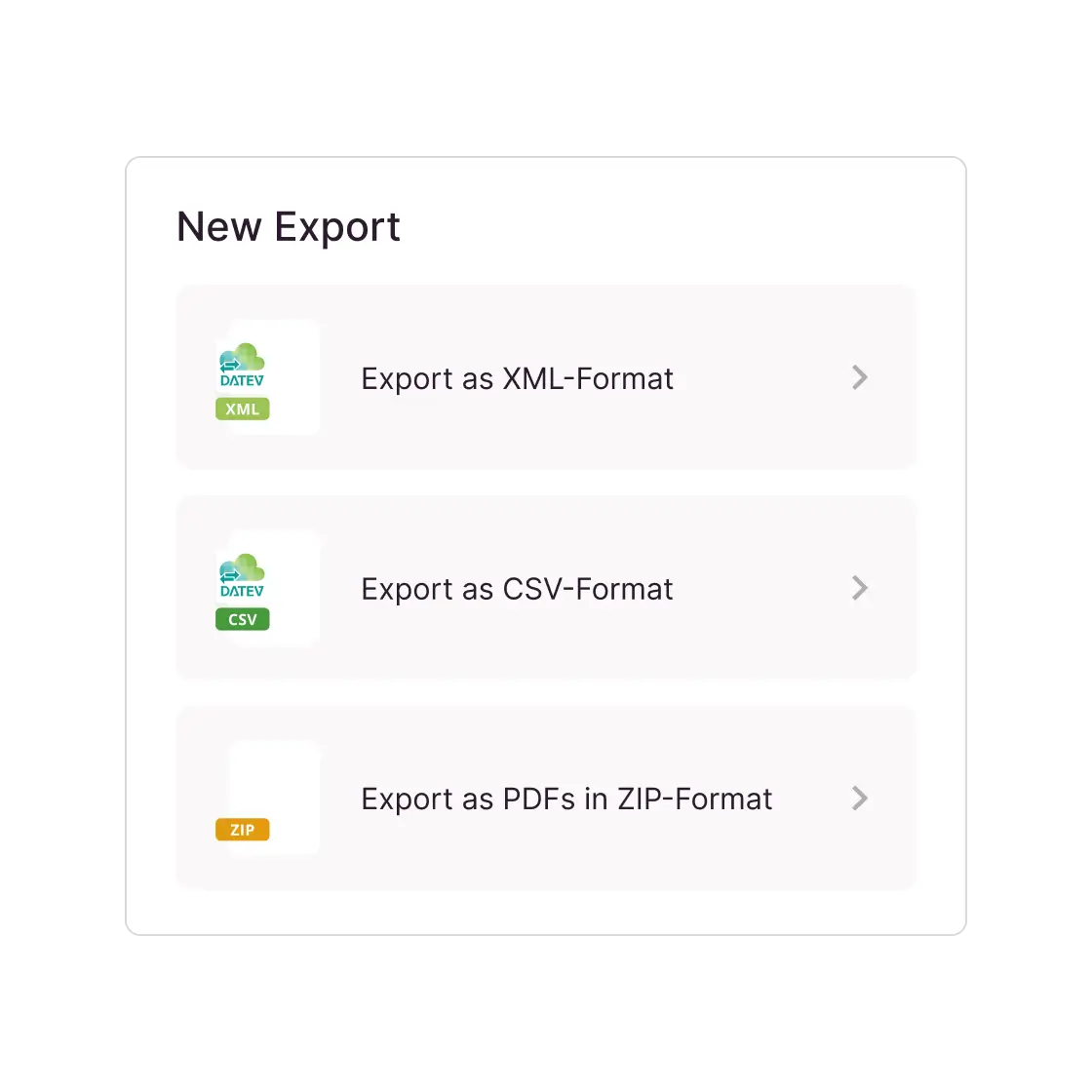
- Discover the Candis API
If the right integration is missing, we’ll work with you to develop a customized solution. The Candis export, master data, and invoice data interfaces form the technical foundation for this.
Export interface for approved invoice data and PDF document images from Candis for further processing in accounting or ERP systems.
The master data interface transfers business partners, general ledger accounts, cost centers, and tax codes from third-party systems to Candis.
The invoice data interface provides data—regardless of approval status—for reporting, project management, or accruals.


00:56
Invoices Verified and Entered into the ERP System
Digital invoicing processes must also be compatible with individual system landscapes. With Candis, exporting to an ERP system is therefore possible via existing integrations or custom-developed connections, even for locally operated systems.
For supported ERP connections, we also offer:
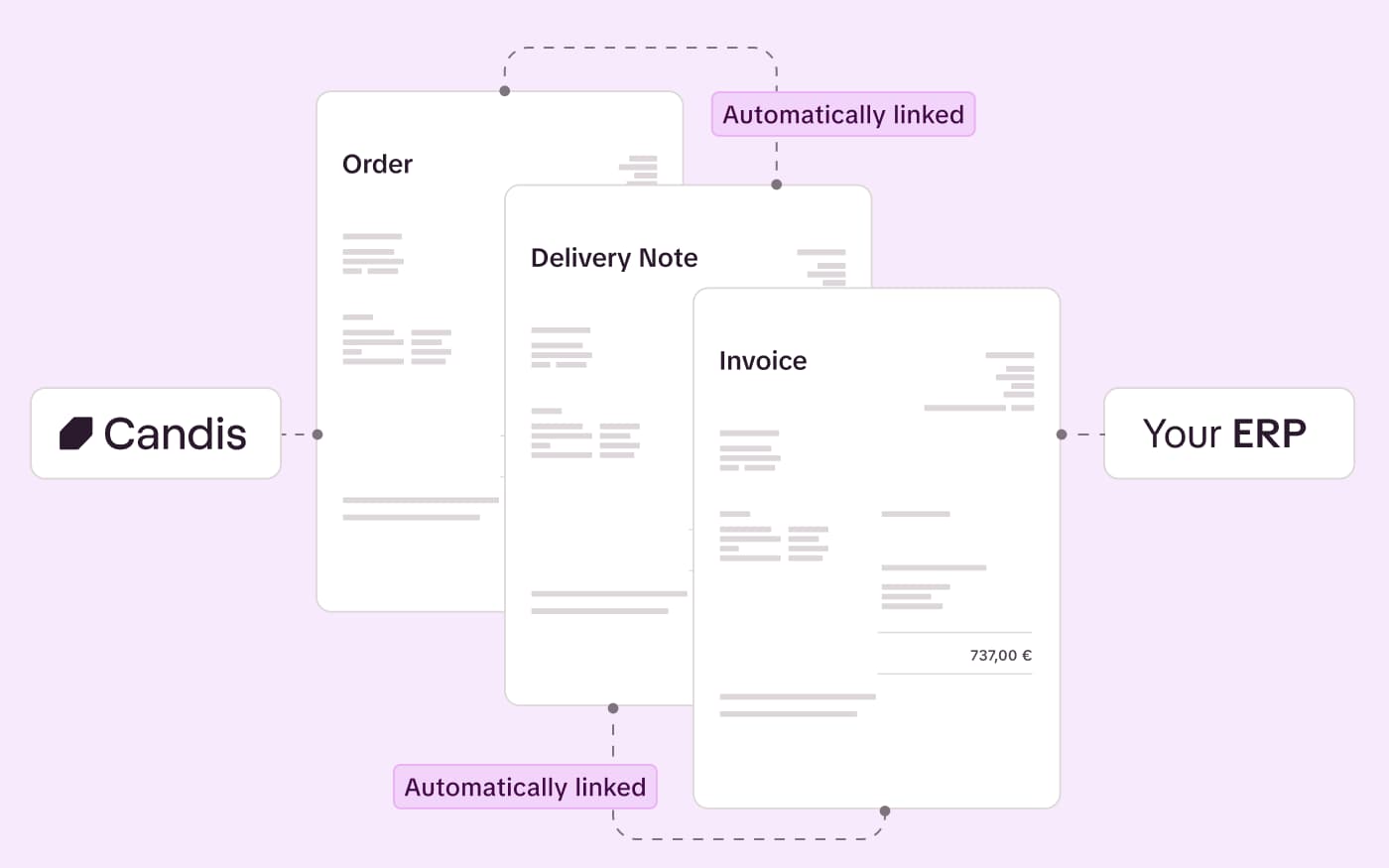
Automatic document reconciliation: Candis automatically compares the quantity and unit price of linked invoice line items with imported purchase orders and goods receipts.
Automatic posting: When the purchase order, goods receipt, and invoice match, Candis enables the automatic posting of sales invoices.
Targeted verification: Candis highlights discrepancies with color-coding based on tolerance limits so that invoice line items can be reviewed before approval.
DATEV Expert Service for Self-Bookers
Candis delivers posting data—including posting text—directly to DATEV Accounting and automatically creates accruals for invoices that have not yet been approved as part of the month-end closing. Anyone who wants to become a DATEV self-poster receives additional support from our DATEV Expert Service.
Guided setup of DATEV Law Firm Accounting to ensure that master data and payment transactions are ready for day-to-day operations.
Greater autonomy in managing tasks—we teach you DATEV workflows for open items, payments, and dunning.
In-depth knowledge: We show you how to interpret business performance reports (BWA) and use customized analyses as a basis for concrete decisions.
The Candis info package


"Candis makes it possible to manage expense management including invoice approval processes in a smart, digital & less time-consuming workflow with perfectly integrated DATEV interface."
Armin Inselsperger & Lukas Just, Tax advisor
KM Pro
Find out for yourself whether Candis suits you.
Frequently Asked Questions About Digital Invoice Export
Yes. The lack of a direct integration does not rule out Candis. If the accounting software supports a compatible import format, invoice data can be exported as a file. For a custom integration, Candis works with the existing system provider to determine whether and how the system can be connected. If internal IT resources are lacking, Candis partners can assist with implementation for a fee.
The file format and data structure must be compatible with your accounting software’s import capabilities. Additionally, how the accounting system accesses the documents is crucial. In the DATEV format (CSV), the file contains structured invoice data and links to the documents in the Candis archive. To open the file, the recipient must have access to Candis and be authorized to view the relevant documents.
During a regular export, Candis retains the original format: the XML file for XRechnung and the PDF with embedded XML data for ZUGFeRD. The PDF-ZIP export is an exception. It contains the plain or visualized PDF, not the complete original e-invoice. If the accounting department needs to further process the structured e-invoice data, this PDF download alone is not sufficient.
Exported documents are finalized in Candis. They cannot be edited or deleted. Comments can still be added and are logged. Therefore, check the invoice data and preliminary account assignments before exporting. If a correction is needed afterward, coordinate the procedure with the accounting department.
In DATEV, Candis distinguishes between errors and warnings. An error means that the affected document was not transferred; a warning may indicate missing data. For ERP integrations, depending on the system, the check is also performed within the ERP—for example, in the Candis imports overview in Sage 100. For file exports, you should also verify whether the import into the accounting software was successful.