Your digital invoice approvals


01:12
With Candis, you can approve invoices based on predefined responsibilities and conditions, automate recurring tasks, and remind the appropriate people about pending approvals—without having to chase them down.
01:12
Approving e-invoices? Candis can handle that.


Request Invoice Approvals + Set Up Workflows
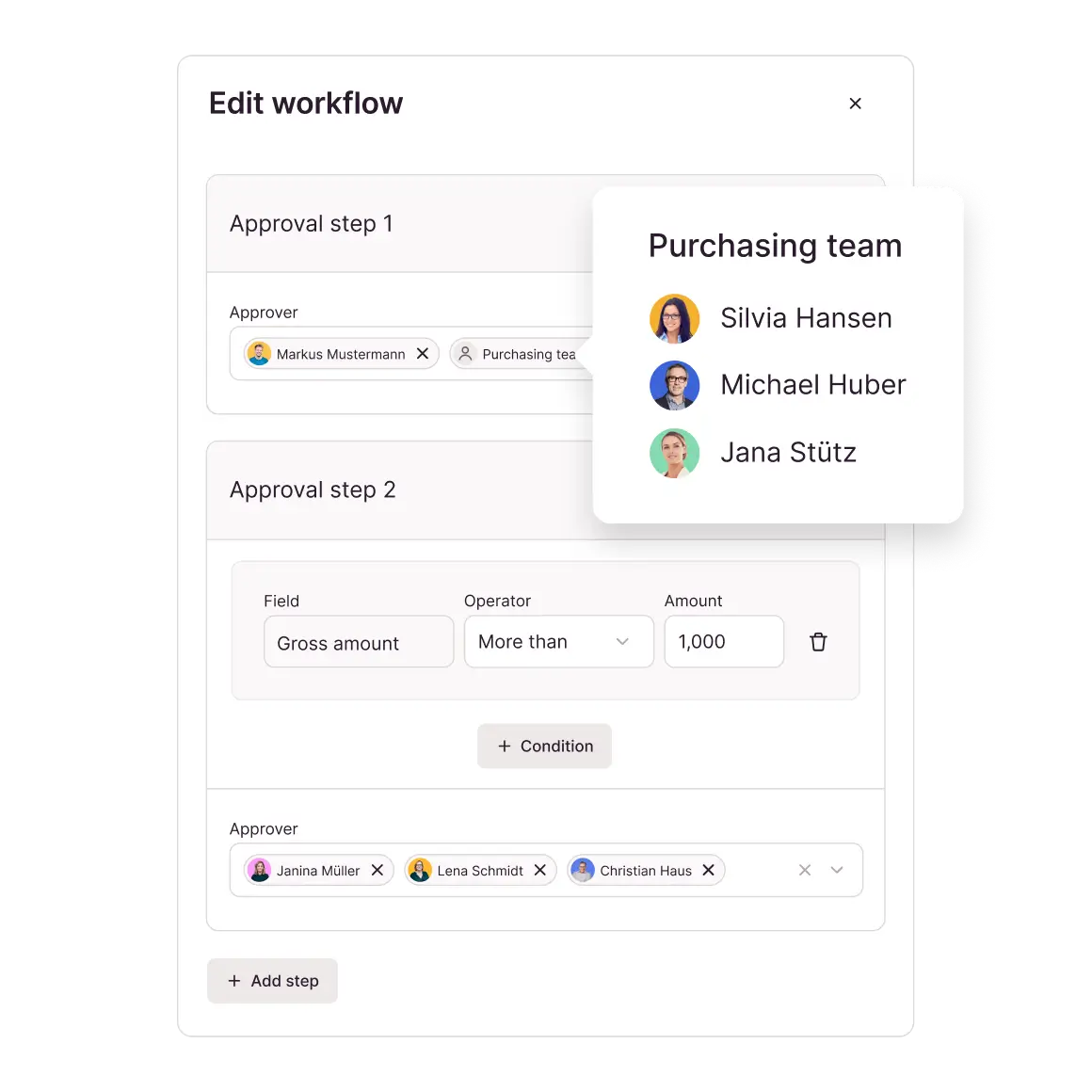
For every invoice, it must be clear who decides on approval and what conditions apply. Candis maps both of these in the digital invoice approval process—without having to redefine the workflow each time.
Clear Assignment: For approvals, you can choose between a person, a team, or a predefined approval workflow.
Self-learning system: Candis’ AI recognizes recurring patterns and suggests appropriate individuals, teams, or workflows for approval.
Structured processes: Approval levels and conditions—such as amount limits—organize even complex approvals into a clear, traceable sequence.
Absence management: Pending and new approvals for an absent person are automatically routed to their designated substitute.
Stay in Control—With Automatic Invoice Approval
Not every digital invoice approval requires an individual decision. Modern invoice approval software distinguishes between recurring transactions and cases that require business-specific review—and learns from them.
Precise pattern recognition: Candis learns from reviewed entries which general ledger accounts, cost centers, and approval workflows belong together.
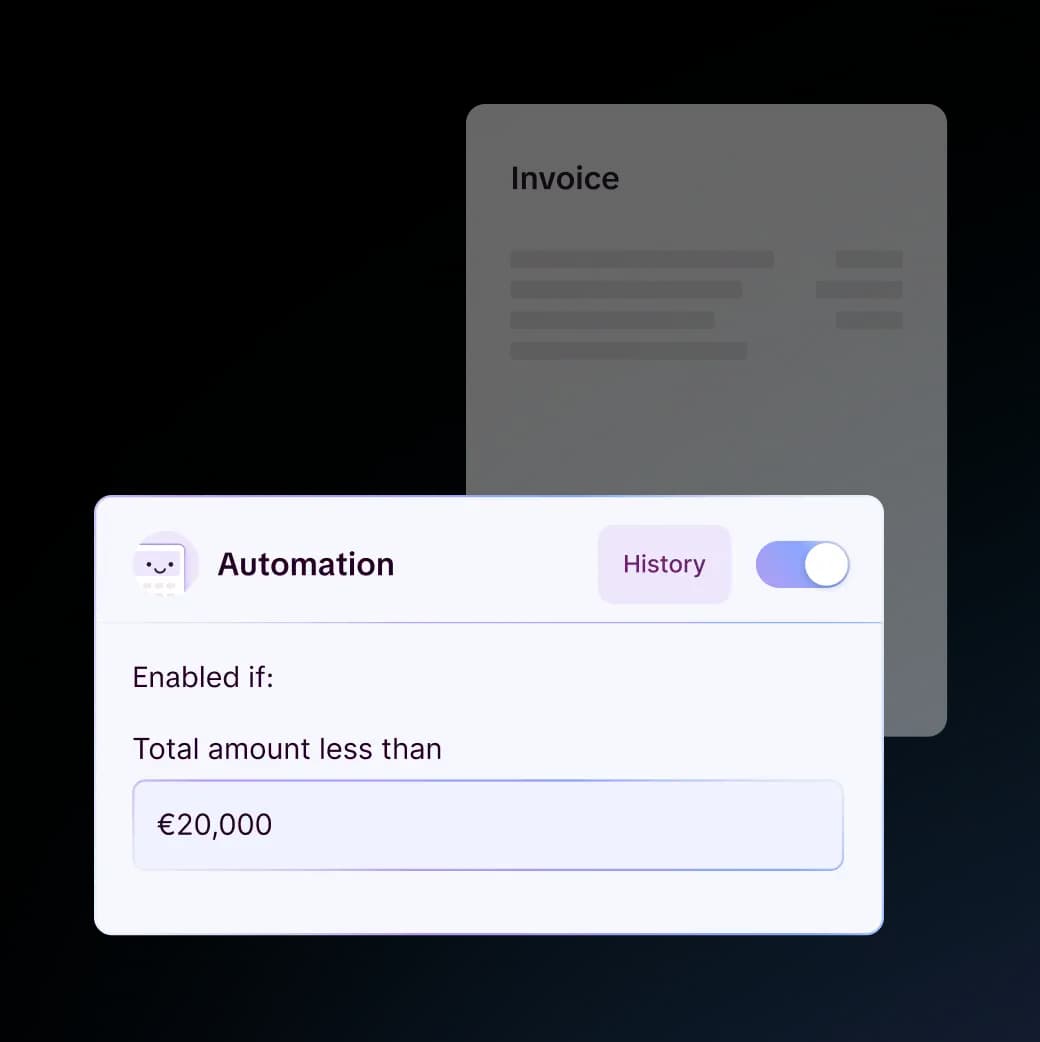
Clear Routines: Candis automatically requests approvals or approves invoices up to the specified amount limit based on predefined rules.
Manual Exception Review: If an invoice cannot be clearly assigned, a human still reviews and decides on its approval.
GoBD-Compliant Document History: Automatic assignments, approval requests, and approvals are fully logged.
Approve invoices in a timely manner
Pending approvals shouldn’t only come to light when a payment deadline is approaching. With Candis, every electronic invoice approval reaches the responsible person in a timely manner, without anyone having to follow up personally.
Central overview: Candis displays all pending approvals in one place so that invoices can be reviewed, approved, or rejected immediately.
Daily reminders: Candis summarizes pending approvals in an email and alerts users to new tasks via push notifications in the app.
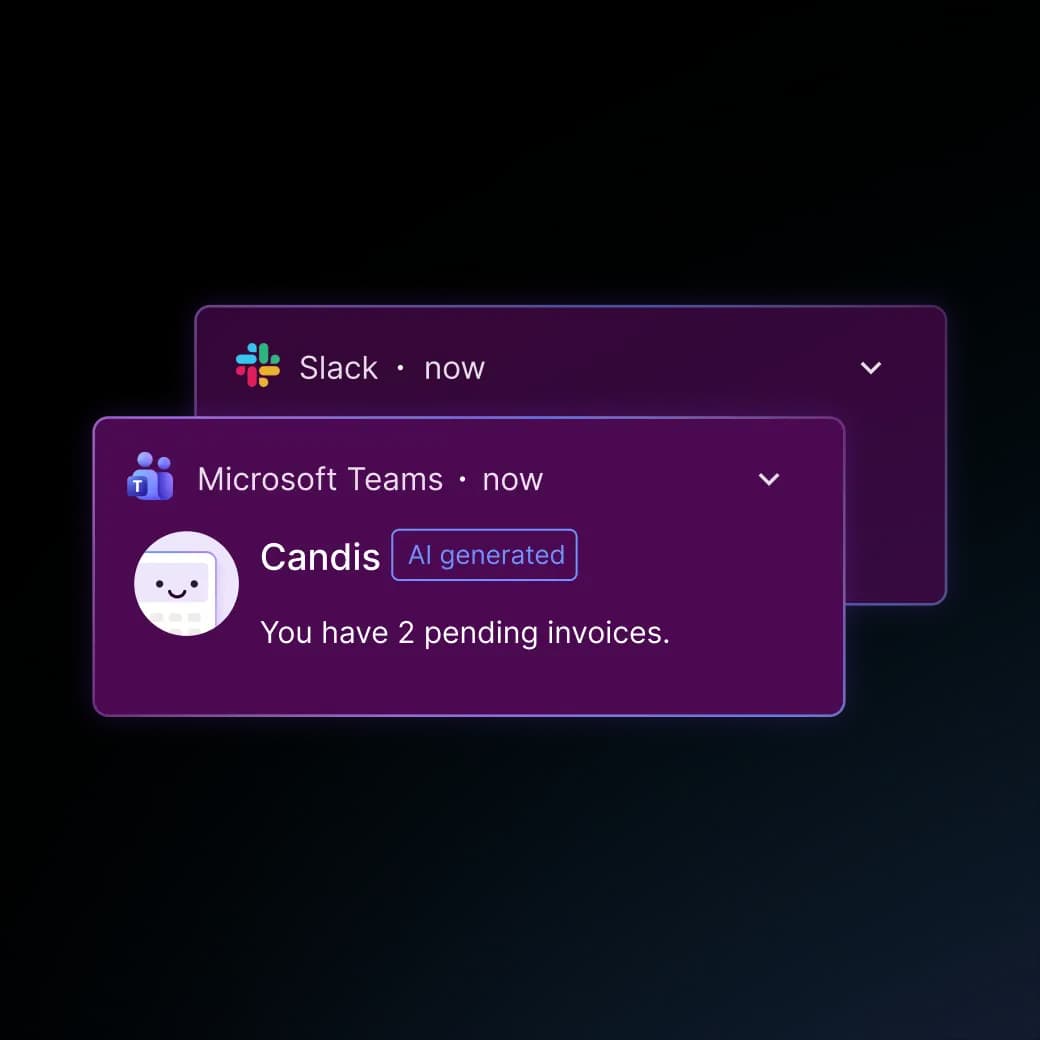
Optional integration: Candis automatically notifies users about pending approvals via Slack or Microsoft Teams and provides a link to the corresponding invoice.
The Candis info package
Invoice Approval in the App: Review + Decide
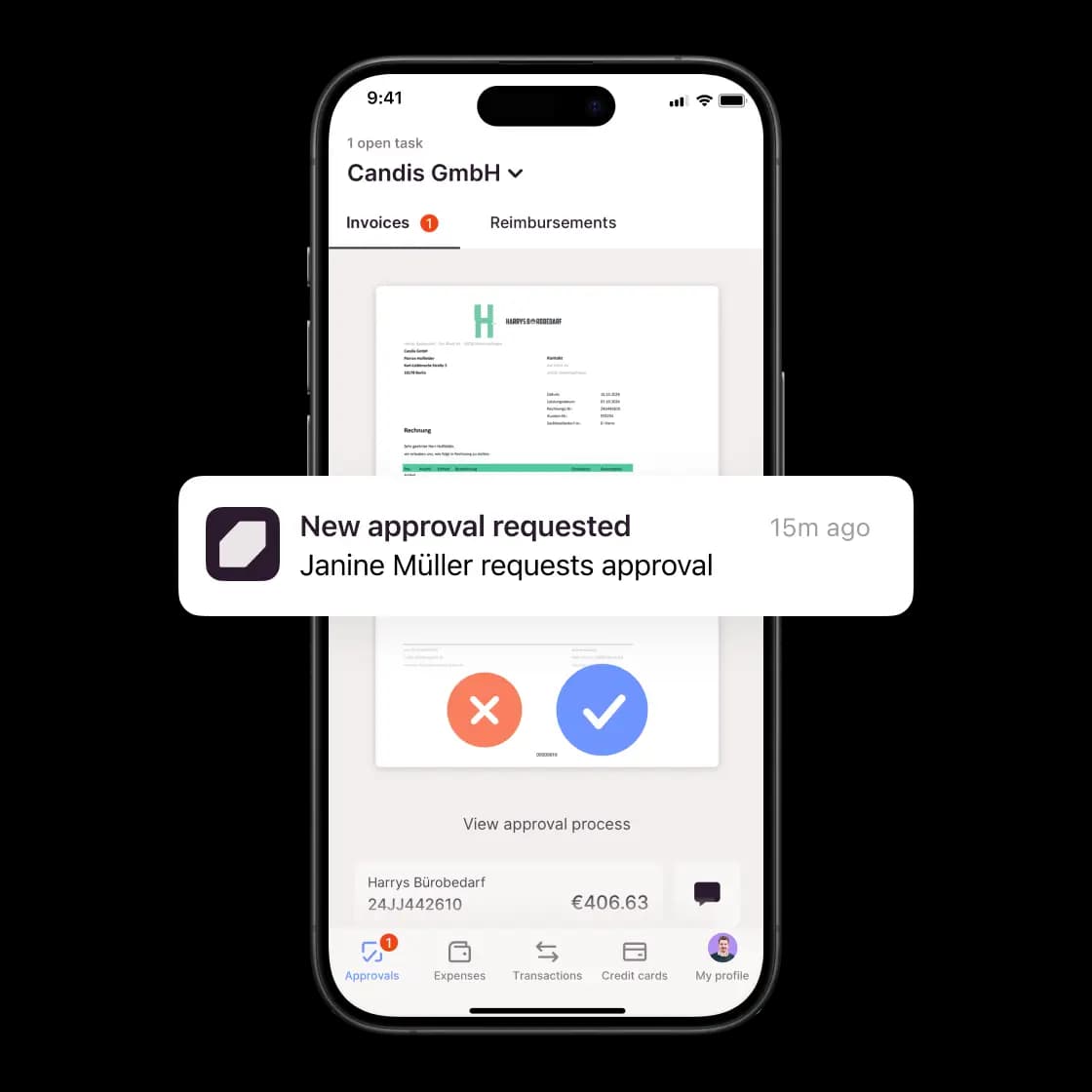
Even when you’re on the go, approval remains a business decision. The Candis app provides you with all the relevant information right on your smartphone. This lets you approve invoices whenever you want, wherever you are.
Document Review: In addition to the zoomable document image, the app displays the business partner, vendor account, invoice date, and total amount.
Approval history: Current approval steps and activity history show what has already been done and what still needs to be done.
Inquiries: Comments on the document can be viewed and added to on the go, so that missing information can be clarified directly on the invoice.
Approval workflow: Assigned invoices can be approved or rejected on your smartphone without having to switch to your desktop.


"Thanks to Candis, we have improved communication with approvers, more accurate auditing, easier substitutions when we're absent, and more timely payments."
Bianca Globisch, Accounting
Bianca Globisch – Wall street online


"An intuitive interface even for non-finance employees was important to us, that it looked tidy and that it displayed everything important in great detail. Candis delivers this in ONE system - great!"
Andrea Witke, Head of Financial Accounting
Die Wegmeister GmbH
Find out for yourself whether Candis suits you.



Frequently Asked Questions About Digital Invoice Approval
Invoice approval software manages the digital invoice approval process from assignment through to a documented decision. In Candis, you specify which person or team approves the invoice, the order in which the steps take place, and the conditions that apply. Our software displays pending tasks and records approvals and rejections directly on the invoice.
Yes. For a multi-step invoice approval workflow, you define sequential approval steps and conditions, such as a total amount exceeding 10,000 euros. Candis checks the condition and skips steps that do not apply.
Important: If there are multiple people or a team involved in a single step, one approval is sufficient. To ensure the dual-control principle, create two consecutive steps, each with a designated person responsible.
The person in charge specifies a time period for their absence and designates a substitute. Candis grants the substitute access to pending approvals, adds them to the relevant approval workflows during that time period, and sends them daily reminder emails. In the event of an unplanned absence, administrators can add the substitute retroactively. After the specified period ends, the substitute will no longer receive new approvals.
Yes. Candis imports supported XRechnungen and ZUGFeRD invoices and also displays XRechnungen in a readable format. The invoices then go through the same review and approval process as PDF invoices, including the defined steps and conditions. This means no separate workflow is required for electronic invoice approval. During a regular export, the original format is preserved.
Yes. As soon as the final approval is granted, Candis moves the invoice to the Export section. Digital documents, journal entries, and vendor master data are transferred to DATEV Accounting via the DATEV Posting Data Service. The Invoice Data Service 1.0 transfers documents and posting proposals to DATEV Unternehmen online; the Document Image Service transfers only the documents. Candis thus handles the steps prior to posting. Posting continues to take place in DATEV.