Your Digital Invoice Receipt


02 min
Candis consolidates all incoming invoices in one place, automatically captures and verifies relevant invoice data, and provides AI-powered suggestions for preliminary account assignment. This saves you the hassle of manual prep work—while still allowing you to maintain full control over the process.
02 min
Receiving e-invoices? Candis can handle that.
Digitize and Centralize Incoming Invoices
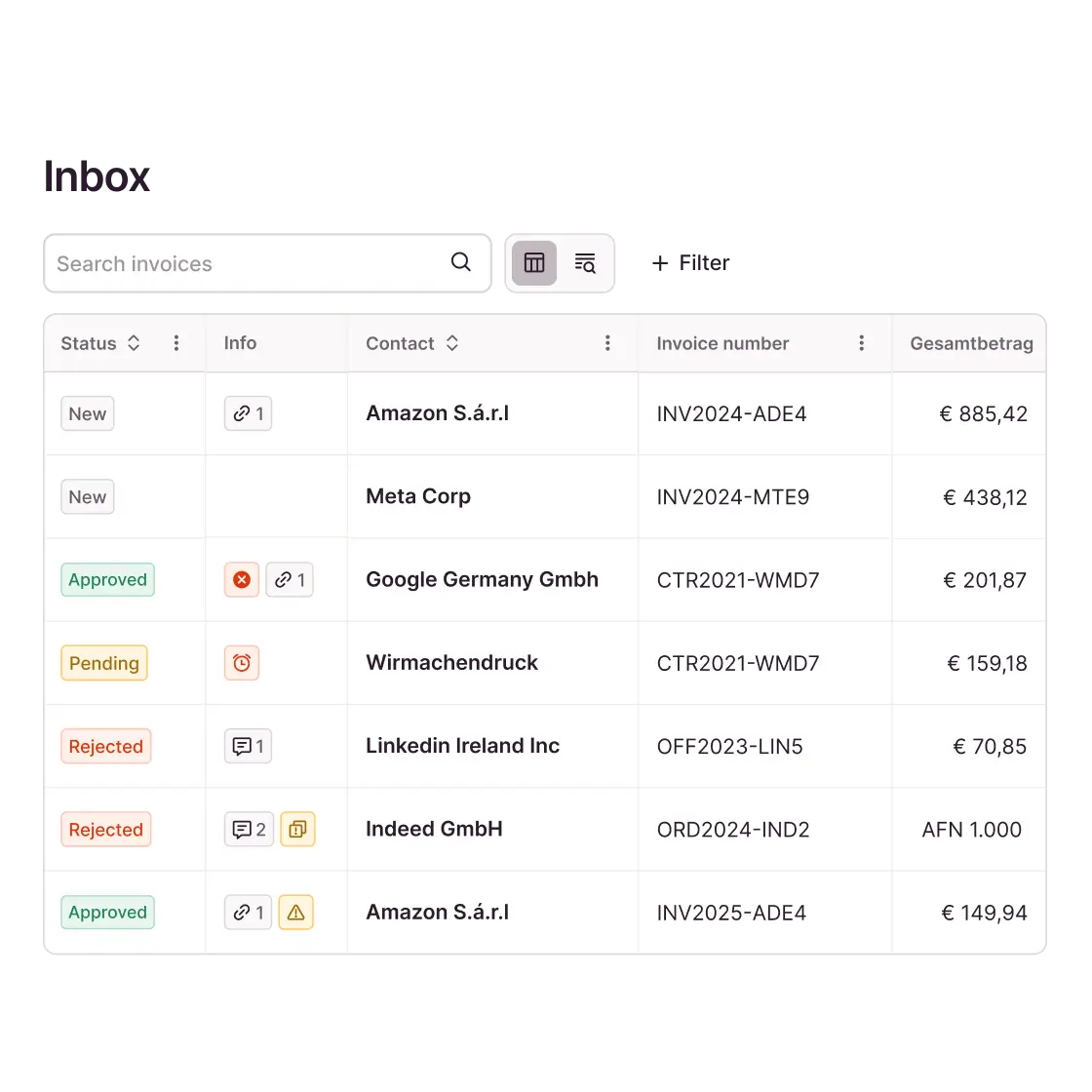
Invoices often reach finance teams through various channels. Candis finally consolidates them into a central invoice inbox.
Automatic invoice import via a dedicated import email address or as a configured forwarding from the virtual mailbox.
Simplified digitization of paper documents via “scan-to-email,” direct upload using a scanner, or the Candis app on a smartphone.
Clear management of multiple companies with separate invoice inboxes for multiple users (multi-client capability).
Readable XRechnungen: Candis automatically generates a view from XML data that allows invoice contents to be checked directly.
AI-Powered Invoice Processing with Candis
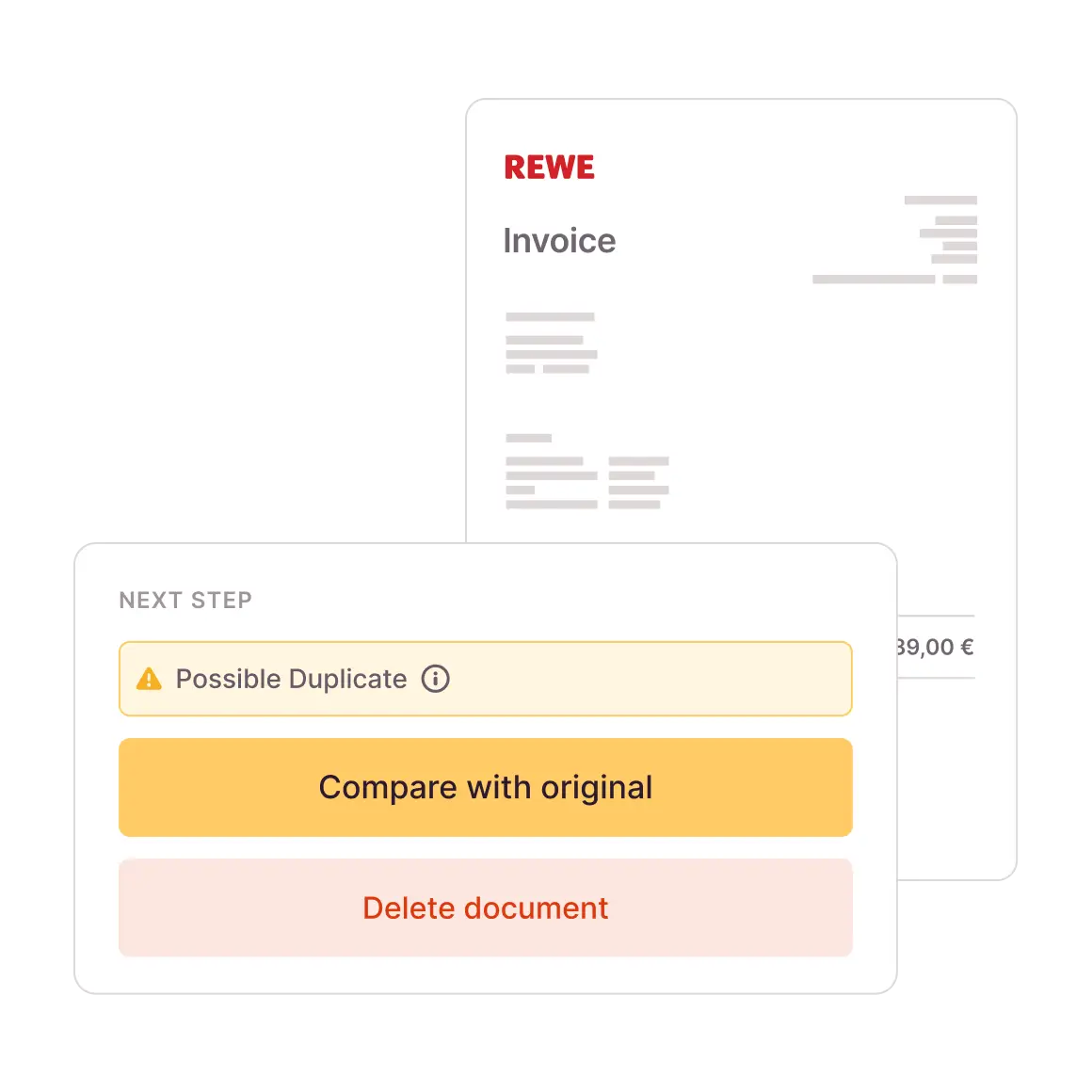
Even in clearly defined processes, invoices can be received multiple times. Our automatic duplicate check reduces the risk of the same invoice being processed or paid twice.
Automatic reconciliation: When invoices are received digitally and during processing, Candis checks each document against the existing database.
Defined criteria: Alerts are triggered when content is identical or when specific combinations of contact information, invoice number, amount, and invoice date are detected.
Full discretion: The decision to keep or delete a flagged invoice rests with the responsible personnel—not the system.
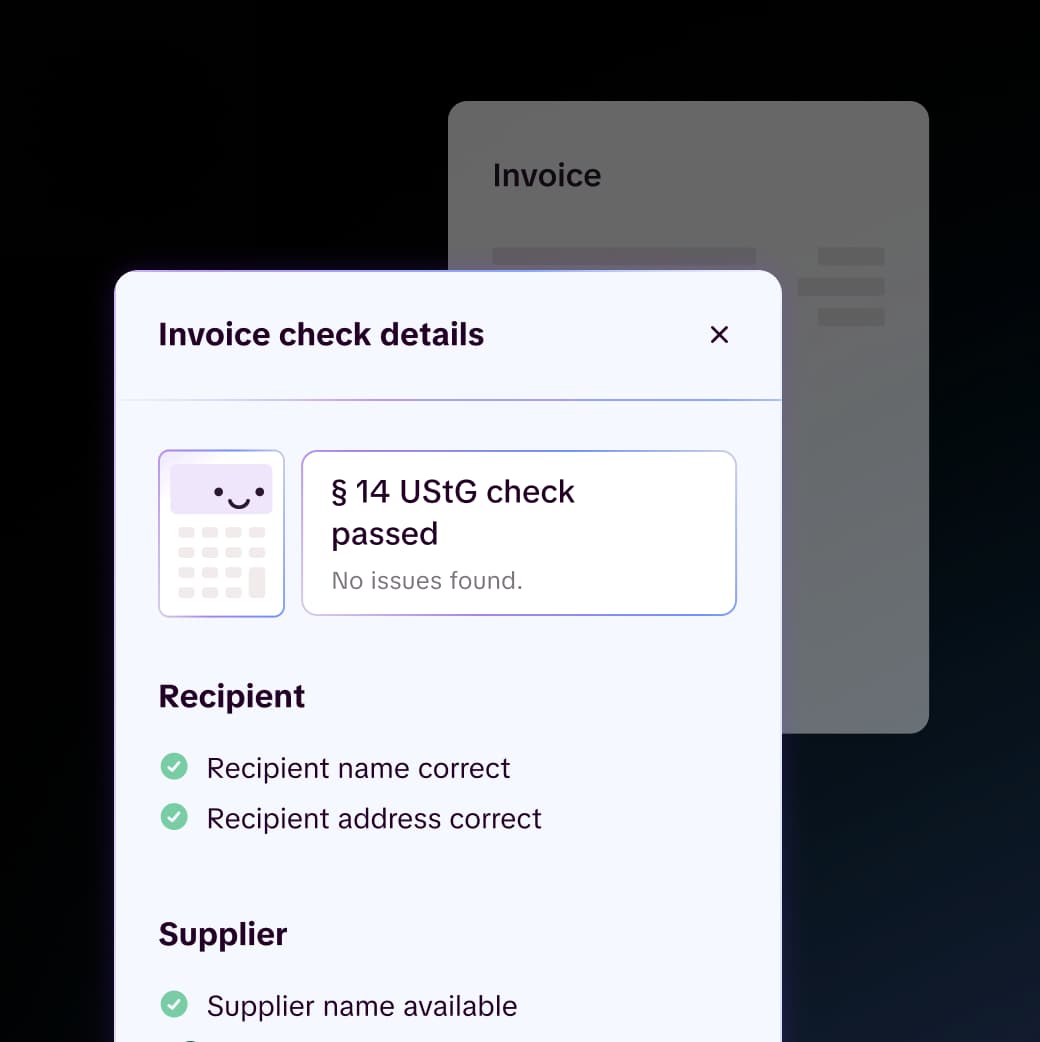
Missing required information can jeopardize the input tax deduction and necessitate invoice corrections. Our automated invoice verification shifts the formal review to the beginning of the processing workflow.
Amount-based verification of invoices over 250 euros gross in accordance with Section 14 of the German Value-Added Tax Act (UStG) and small-amount invoices up to 250 euros gross in accordance with Section 33 of the German Value-Added Tax Implementation Regulation (UStDV).
Specific required information, such as the VAT ID, service period, invoice number, and recipient’s address, is automatically verified.
Visible discrepancies appear directly in the invoice verification process, and completed checks are documented in the document history.
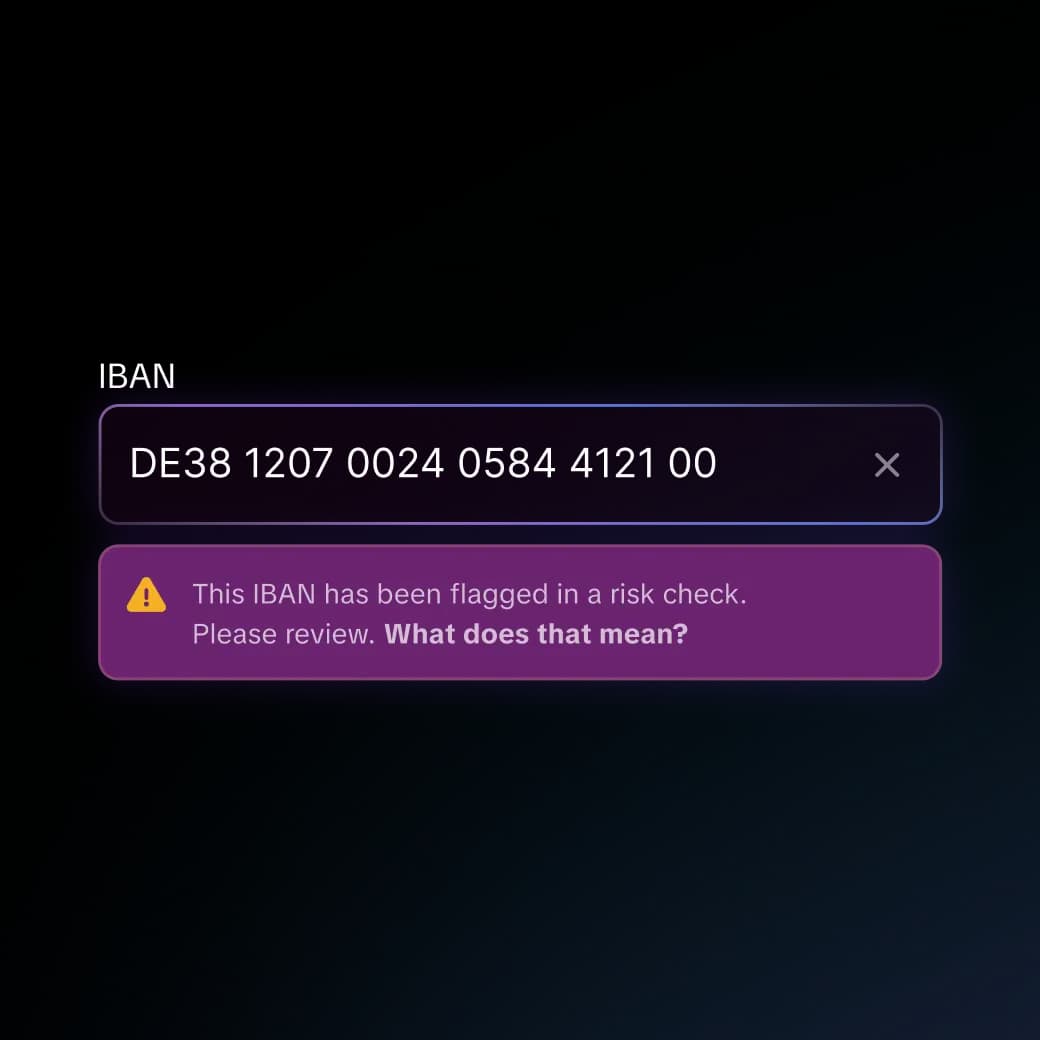
With its automatic IBAN risk check, Candis compares every incoming IBAN against an external risk database. If a match is found, a corresponding note appears on the affected invoice and approval is blocked.
Comprehensive verification: Both IBANs on invoices and bank account details on file for business partners are checked.
Repeated verification: The check is performed for every incoming invoice as well as whenever an IBAN is entered or modified.
Clear classification: A match is a risk indicator, not proof of fraud—review by the responsible personnel is still required.
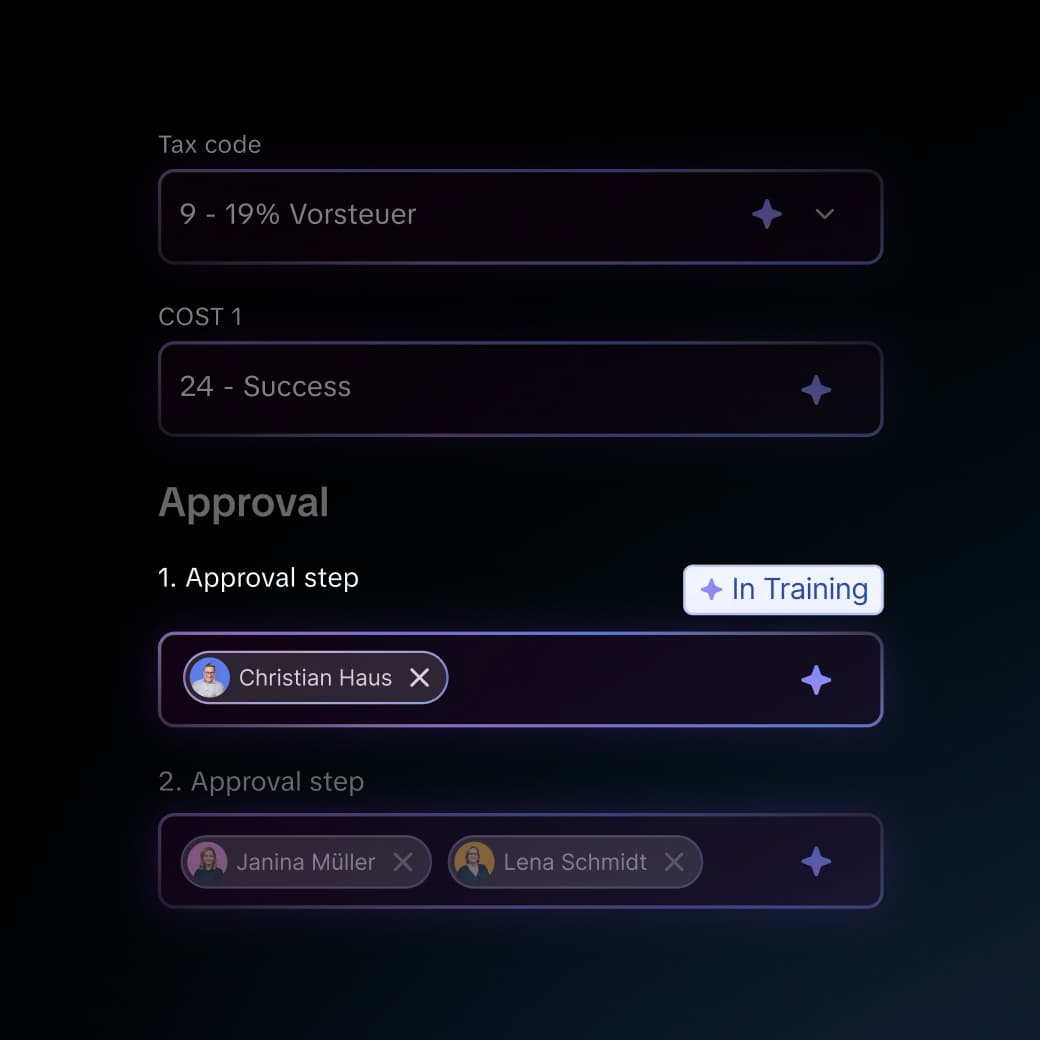
Artificial intelligence is designed to understand invoices, not to replace professional judgment. Candis AI captures information in context and makes only suggestions that the finance team can review and modify at any time.
Automatic Data Capture: Candis extracts information such as invoice number, amount, and tax rate from PDFs and images.
Automatic preliminary account assignment: Available AI field suggestions for general ledger accounts, cost centers, and tax codes are based on similar previous invoices.
Automatic journal entry descriptions: Candis suggests journal entry descriptions based on the business partner, service, and invoice date.
Transparent Communication in Digital Invoice Processing
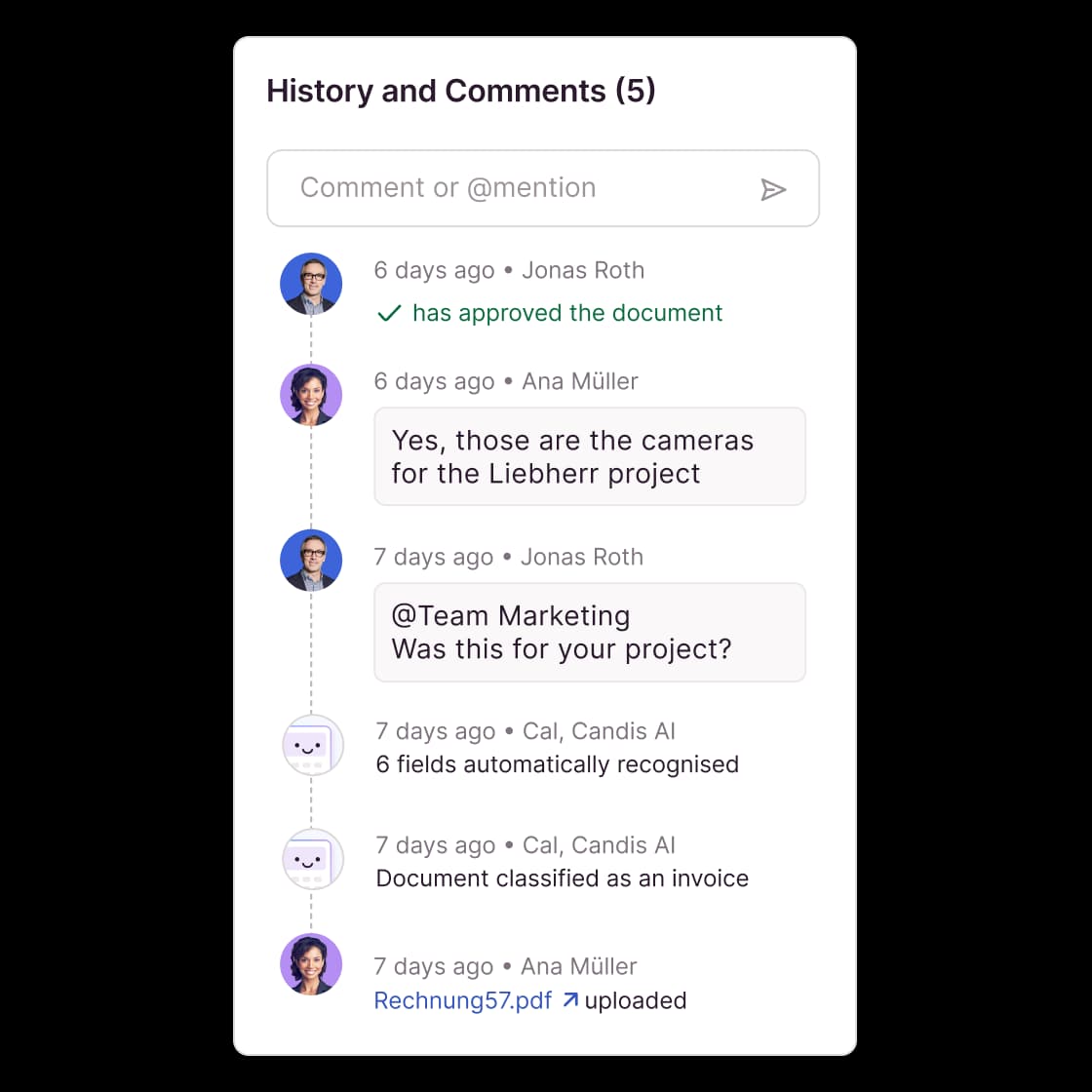
From the time an invoice is received until it is approved, a document can pass through several hands. Whoever takes over the document needs not only the current status but also the responses to previous inquiries—such as those regarding the services rendered or the delivery date. With Candis, this communication remains traceable—right on the document itself.
Targeted: When colleagues are mentioned with an @ in the invoice comments, Candis notifies them within the software and via email.
Documented: Candis displays comments and processing steps together in the history, even if other colleagues take over the invoice later.
Verifiable: Delivery notes and order confirmations can be attached to the invoice and viewed during further review.
The Candis info package
00:27


„We are very satisfied with Candis' automatic data capture. We compared the recognition rate with the competition and Candis came out on top with 84%!“
Jürgen Schneider, Head of Finance
Kyon Energy Solutions GmbH
Find out for yourself whether Candis suits you.


Frequently Asked Questions About Digital Invoice Receipt
A digital invoice inbox consolidates incoming invoices in a single software application and makes them available for review, approval, and accounting. In Candis, each company has its own inbox. The responsible personnel can see from the invoice which data has been entered, what review notes are present, and how far along the processing is.
Yes. Candis provides a separate import email address for each company. You can send invoices directly to that address or set up a forward from your existing invoice inbox. Suppliers will continue to use the address they’re accustomed to; incoming invoices will be available in Candis for processing.
Yes. Candis processes XRechnungen and supported ZUGFeRD versions and profiles via email or upload. For an XRechnung, Candis generates a readable view from the XML file and uses the structured data for data entry and verification. The original file remains stored. If the XML file is invalid, Candis displays the error and does not import any data from it.
Candis captures invoice data, checks for required fields, and flags potential duplicates. The AI also makes suggestions for preliminary account assignments. The responsible personnel review the flags and suggestions, correct the information as needed, and decide whether to approve the invoice. This automates recurring steps in invoice processing, while leaving business decisions to the responsible personnel.
Yes, provided that the DATEV Invoice Data Service 1.0 is set up. Once approved, you can export document images and data—such as account assignments, invoice numbers, amounts, and tax codes—to DATEV Unternehmen online. With the Document Image Service, only the document image and summary are transferred. If you want to reuse the preliminary account assignments from Candis in DATEV, the Invoice Data Service is required.