Approvals on set, KSK on the receipt, advance payments via app
Candis streamlines the invoice workflow for productions – from receipt capture on set to complete handoff to Sesam or DATEV.
Choose your preferred date
100+ production companies work with Candis













06 min
Candis is official partner of



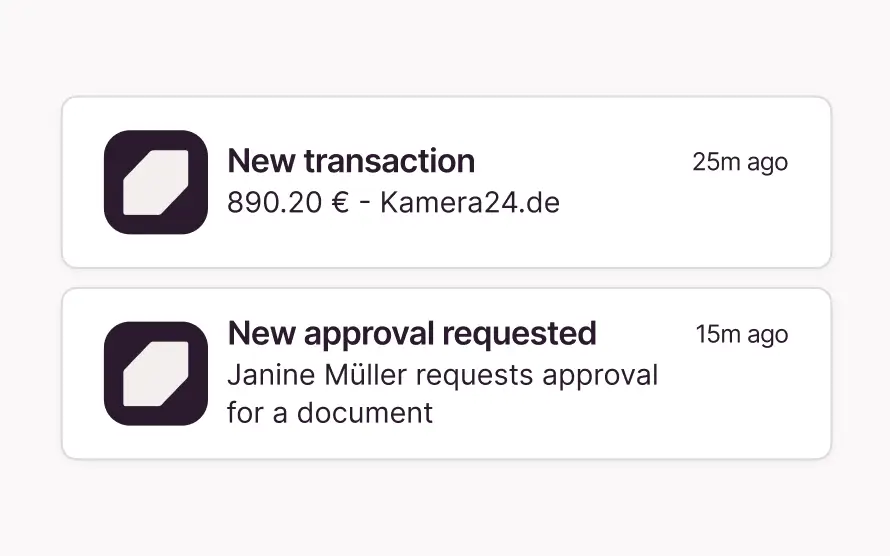
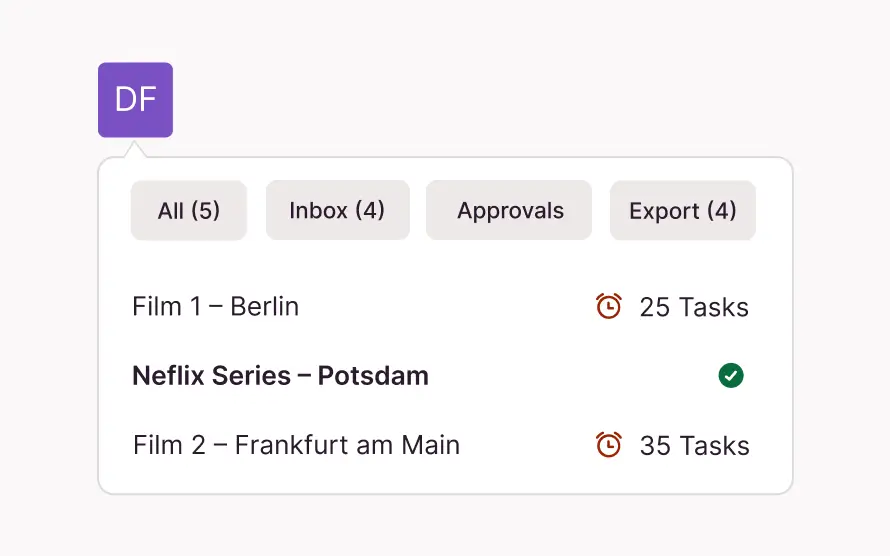
Approvals
on the go
Whether you're in management, manufacturing, or production—approve invoices right on the spot
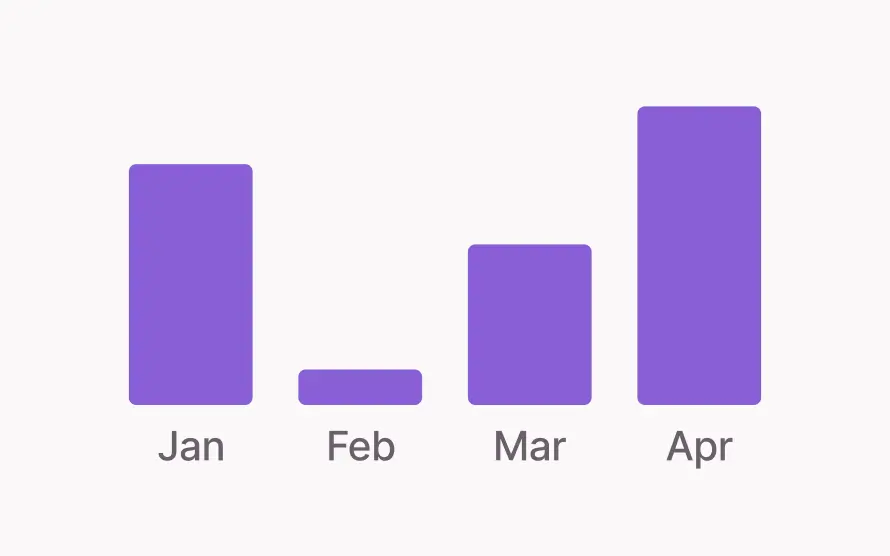
For seasonal
fluctuations
Candis calculates based on the annual average, not on monthly volume
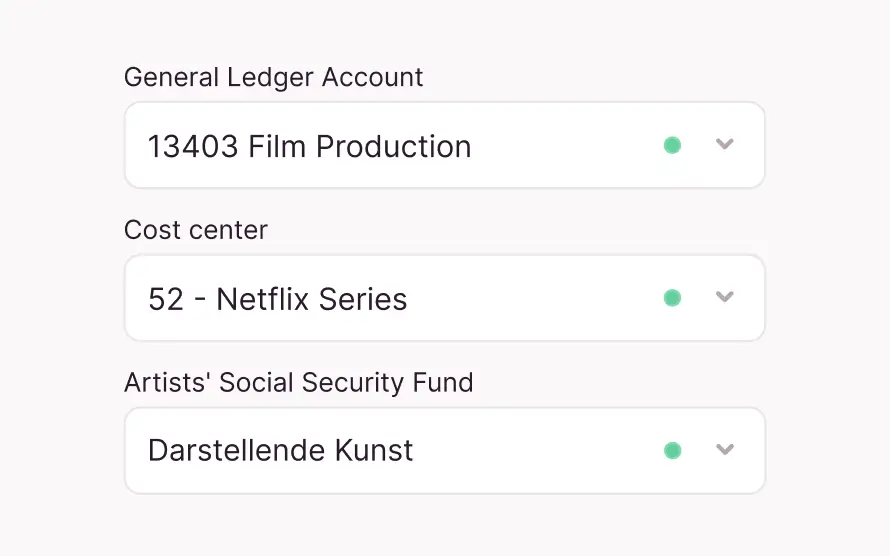
KSK-field
on the document
Enter the information for the Artists' Social Security Fund once on the form and automate the rest
Unlimited projects
+ external approvers
at no extra cost, even for temporary teams without a company email address
20% for all members of the production alliance
As an official partner of the Production Alliance, we offer members a discount on all of our packages.
What Invoice Tools Need to Do for Film Productions
Changing teams, project-based budgets, and reporting requirements for funding—film productions operate differently from many other companies. For them, invoice management must be dynamic rather than relying on rigid processes.
Conformity
| Functionality | Candis | Other Tools |
|---|---|---|
| KSK field on the document | KSK field in Sesam Export, developed in collaboration with Sesam | Not available |
| Cost Centers + Funding Region | Transfer of Kost 1, Kost 2, and additional cost information to Sesam | No film-specific cost center |
| Expense Reimbursement (V-Money) | 30–50 documents in a collection = 1 document | Processing each document individually increases the volume of paperwork and costs |
| IBAN Validation | Automatic comparison of the IBAN on the invoice with the stored master data. Any discrepancies are immediately flagged with a warning message. | Manual verification required |
Flexibility
User Management
- Candis
- Any email address, unlimited sharers, no extra costs
- Other Tools
- Oft auf interne Nutzer:innen beschränkt
Licenses
- Candis
- Unlimited projects, companies, and users
- Other Tools
- License typically granted per project, company, or user
| Functionality | Candis | Other Tools |
|---|---|---|
| User Management | Any email address, unlimited sharers, no extra costs | Oft auf interne Nutzer:innen beschränkt |
| Licenses | Unlimited projects, companies, and users | License typically granted per project, company, or user |
The Invoice Workflow in Practice
Invoices are generated on set, in the office, and on the go—at different times and in different formats. Candis processes receipts through a single workflow, from the initial photo to the accounting export.
1. Submit
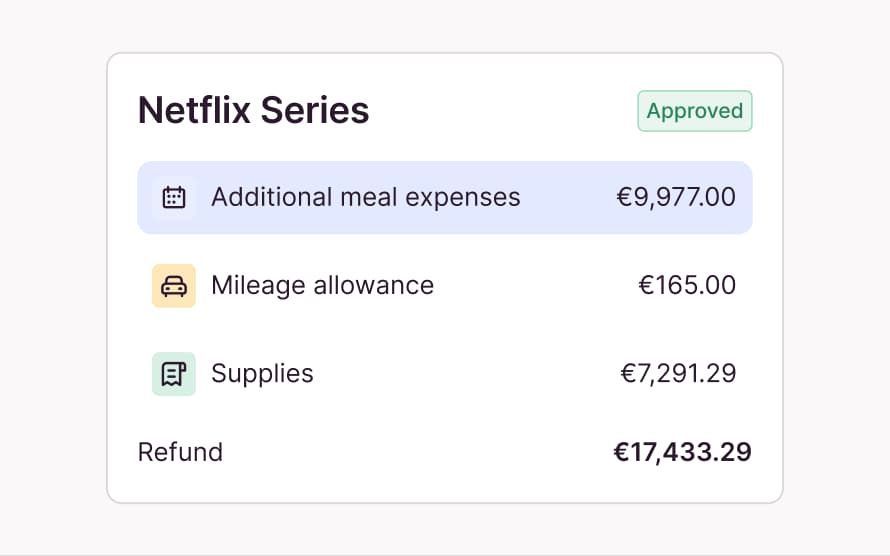
Record receipts: via app, email forwarding, or upload—right on set.
Bundle small receipts: collective expense reports for production expenses, from a nail gun to a hotel bill—all in one submission.
Automatically calculate travel expenses: additional meal expenses + travel costs based on trip duration and destination.
2. Read
Automatically extract key information—using LLM, not OCR: business partner, amount, tax rate, and cost centers.
Detect duplicates: Candis recognizes documents that have already been entered, even if they are forwarded multiple times.
Continuous learning: Recognition quality improves with every invoice.
3. Pre-posting
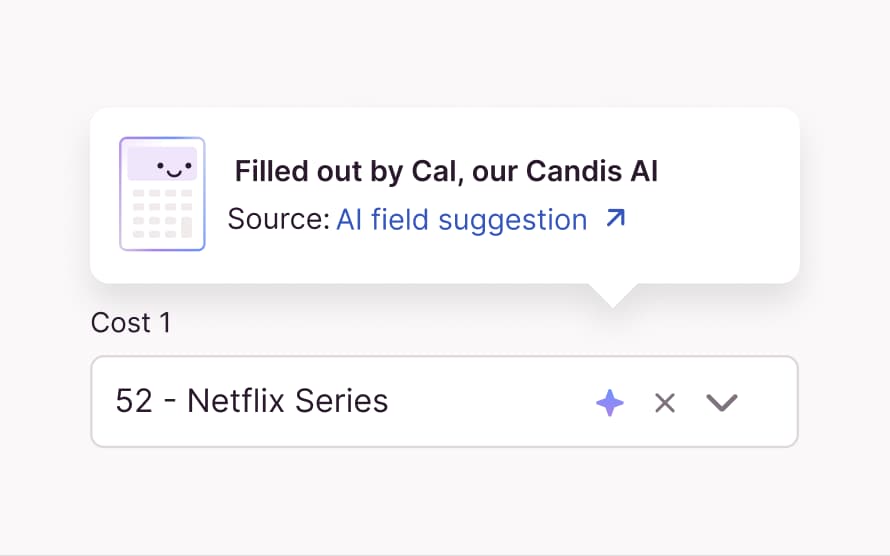
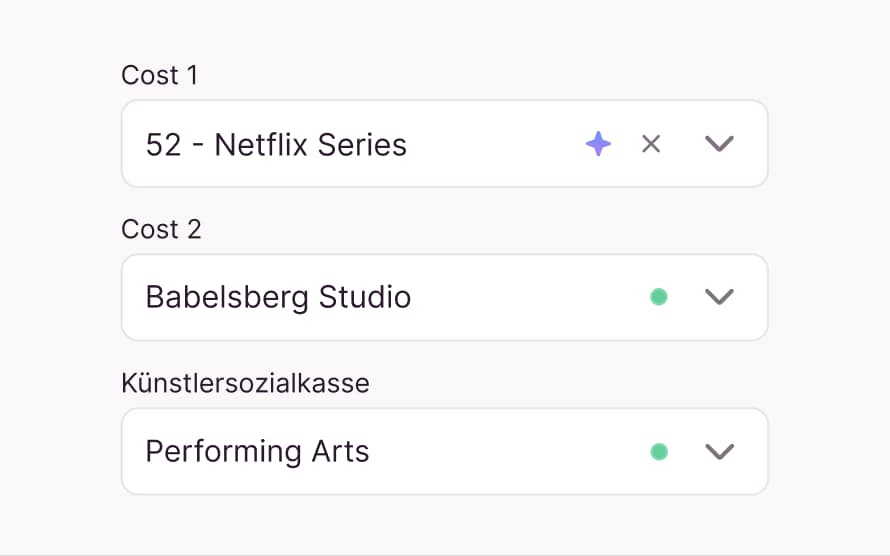
Automatically assigned on the document: G/L account, Cost 1, Cost 2, KSK field + additional cost information; Candis makes a suggestion, and the accounting department makes the final decision.
Assign the correct cost centers—for each funding region.
Assign the KSK field—for each invoice from freelance employees.
4. Approve
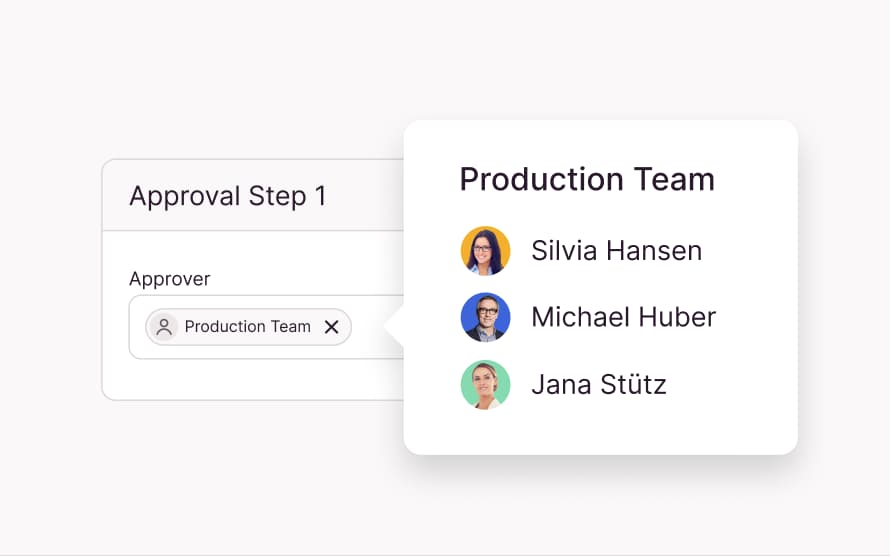
Configure approvals: multi-level, amount-based, with deputy rules.
Role-based approvals: Production Management and Executive Management each approve only the invoices assigned to them.
Invite external approvers: via email address, depending on the project
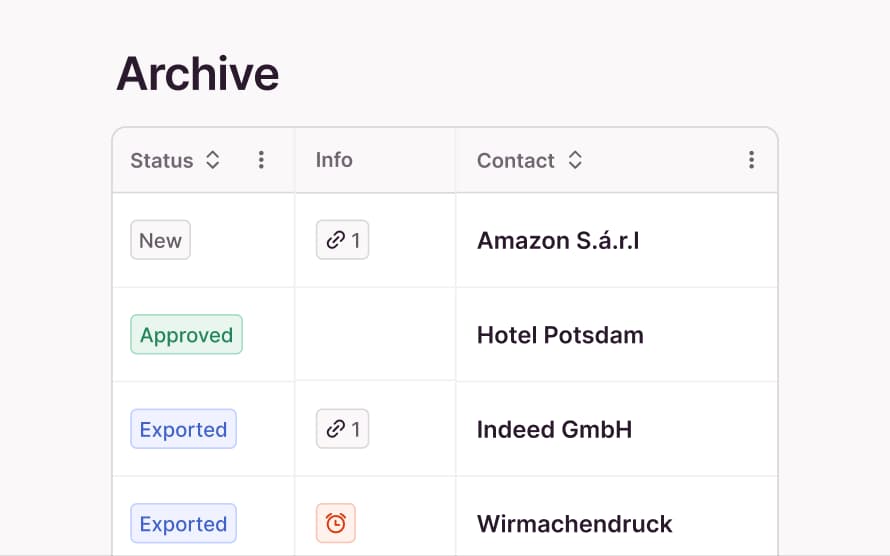
Track invoice status: This shows where each invoice is in the process at any given time.
5. Export
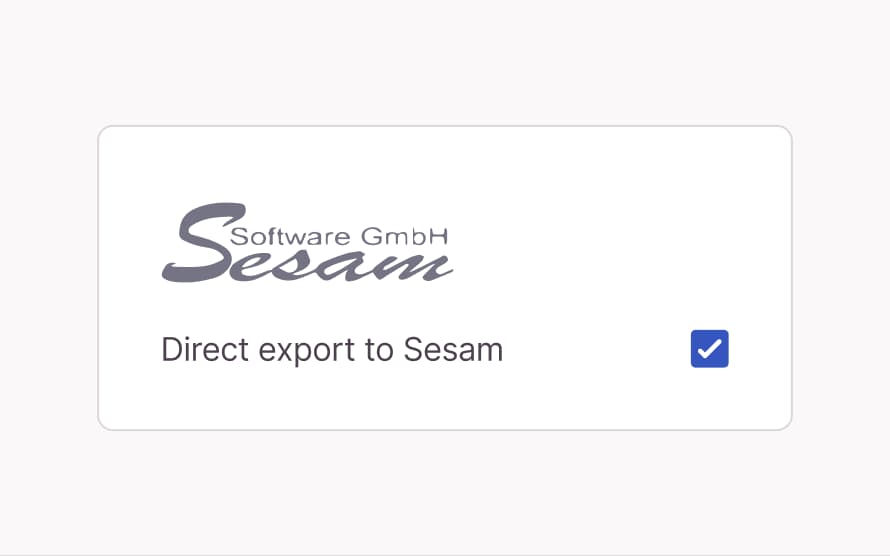
Fully transferred to Sesam: posting data, document image, KSK field, and cost centers.
Export to DATEV: Pre-assignments from Candis are imported directly into the software as posting suggestions.
6. Archive
GoBD-compliant archiving: all documents, including an audit trail.
Ensure access for 10 years, even for dissolved production companies and after termination.
Camera rolling, action, Candis!
How does our invoice management software improve the day-to-day operations of production companies? We asked them.

01:00
Nele Geisler,
Production Coordinator
describes the process and benefits of Candis corporate credit cards.

1:00
Stephanie Portoff,
Staff Product Managerin at Candis
explains why purchase requests are also useful for production companies.

01:00
Saskia Kuhnert,
Production Lead
explains how the Candis app gives her the control she needs over her expenses.
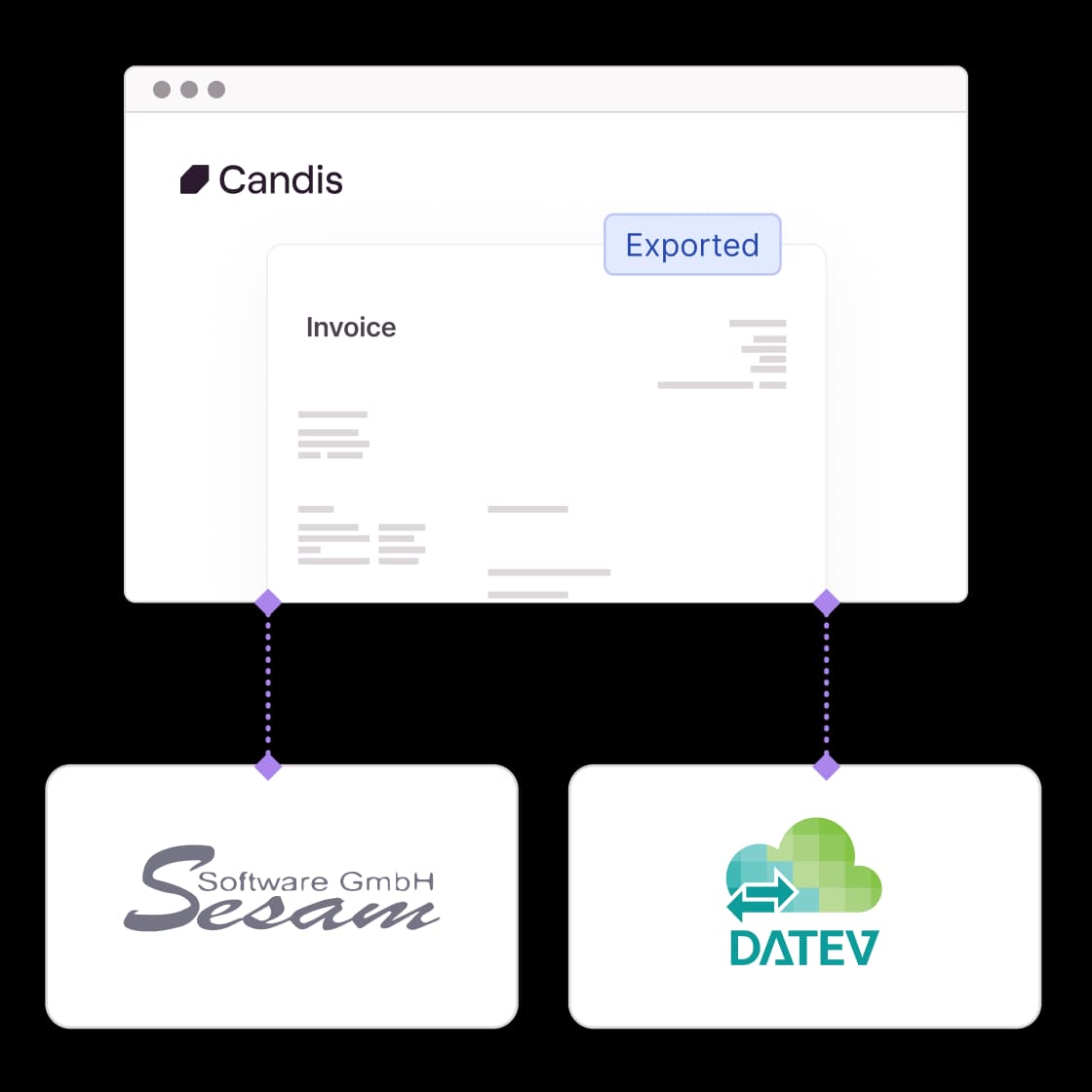
Direct export to Sesam + DATEV
Sesam
Candis exports invoice data, document images, KSK details, and cost centers in the Sesam format. The KSK and Extra Cost Info fields were developed in collaboration with Sesam to meet the needs of film production—they are available in the Sesam export only with Candis.
DATEV
Productions that use DATEV for bookkeeping export in DATEV format with document images. All invoice data, cost centers, and posting texts are transferred in full. Pre-account assignments from Candis are imported directly into DATEV as posting suggestions.


In grant audits, comprehensive documentation is key. With Candis, all documents are archived in an audit-proof manner, and every approval step is traceable—all without the need for rework at the end.
Bianca Langer + Jörg Langer, Managing Director
fairbucht GmbH


Many departments, one system: Candis significantly streamlines collaboration between production and accounting—fewer reconciliations, better traceability, and clearer processes.
Claudia Kulzer, Production Controller


Centralized documents, mobile approvals, direct communication on the document—and a team that understands the film industry. Candis makes our accounting processes faster and more paperless.
Monika Wank, Managing Director
Zahlenfabr1k Berlin GmbH


By being able to export each project or client separately into Sesamsoft, there are simply fewer mistakes - and we save ourselves nerves!"
Stefanie Oberacher, Consultant
i&u TV


"We can flexibly distribute the Candis credit cards to our employees, which used to be a longer process. In business, you have to react quickly and we now have that 100%."
Johannes Kraller, SEO
Entertainment GmbH (Leonine Company)
What Sets Successful Productions Apart
Here you’ll find practical articles, short explanatory videos, and a white paper on audit-ready documentation processes in the film and production industry—as well as everything you need to know about our partnership with Fairbucht.
White Paper: Six Requirements for a Document Process
Why mandatory e-invoicing, artists' social security contributions + proof of funding require an auditable documentation process.
Blog Post: From the Set to the Analysis
Where information gets lost in production accounting—and how to prevent it.
Success Story: No More Receipt Boxes
From Paperwork to Digital Workflows—How Fairbucht and Candis Help Production Companies Make the Transition.
Success Story: Why Production Can't Go On Without Candis
Wiedemann & Berg handles every production with Candis—from data entry on set to handoff to Sesam.




The information package for film productions
FAQs about Candis in the movie industry
Yes, you can create and customize the approval workflows as required.
No. You only need one login and can have several projects or organizations. This also applies to employees outside the accounting department.
With the Candis mobile app, invoices can be approved with a click while on the move.
Yes, you can add as many users as you like to Candis and assign different roles. If the collaboration with a person ends, you can remove them.
ScanToMail allows you to scan invoices and have them sent directly to your Candis mailbox. The hassle of sending invoices by post is a thing of the past!