Automatically match purchase orders, invoices + delivery notes in SAP Business One


3 min
Manage all your financial documents in Candis - with direct integration to SAP Business One.
Synchronise master data and purchase orders automatically between SAP Business One and Candis. This saves you having to manually enter data and manually match orders and invoices.
3 min
This is what our customers say.

Digital invoice management
OCR-supported data capture and automatic pre-accounting save you manual posting in SAP Business One. Invoices can be checked and approved in Candis before being exported directly to your SAP Business One database along with the document data.
Automate invoice receipt, approval processes and pre-accounting
Simplify accounting thanks to a direct interface to SAP Business One
Keep all invoices in the audit-proof archive for 10 years
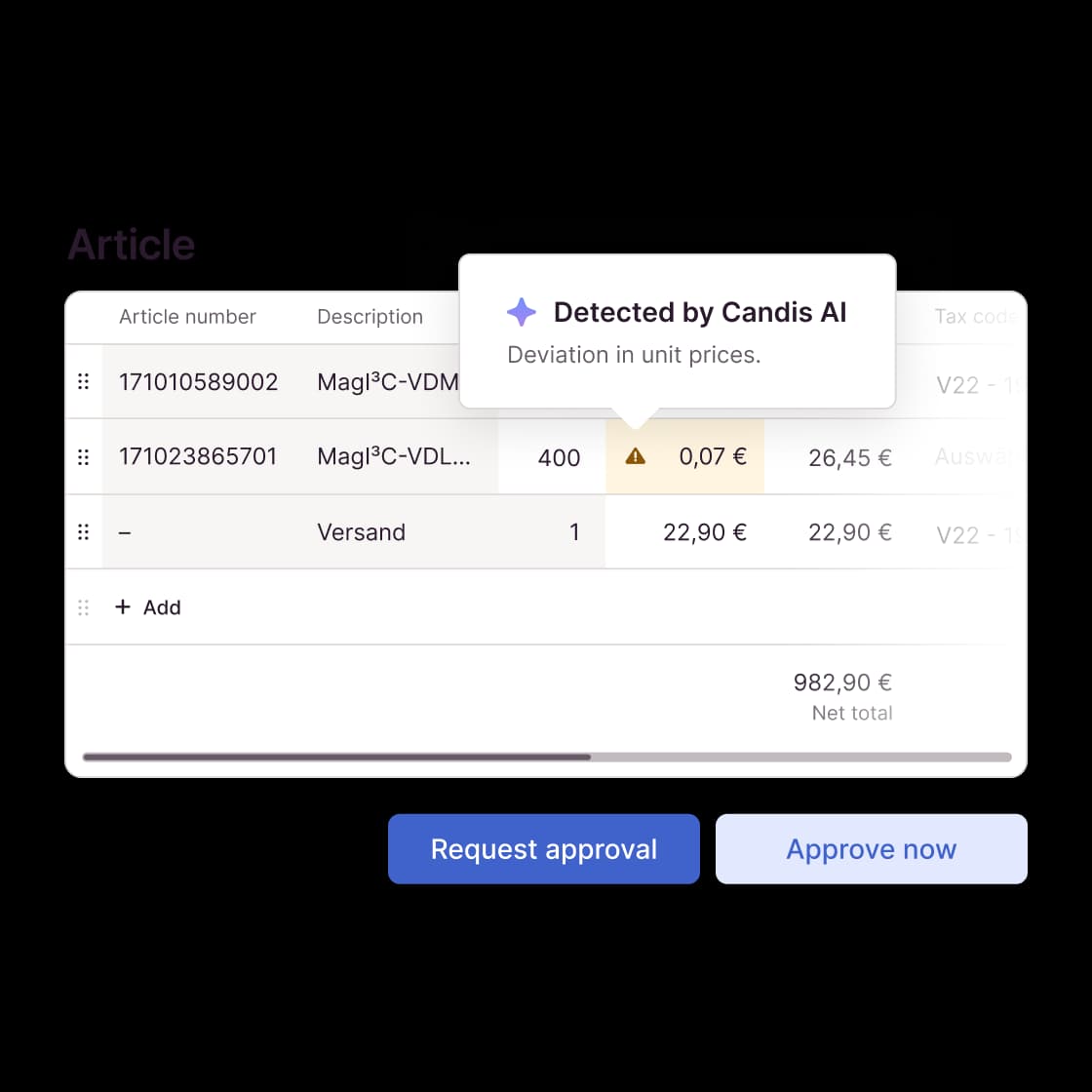
Automated matching of invoices with purchase orders
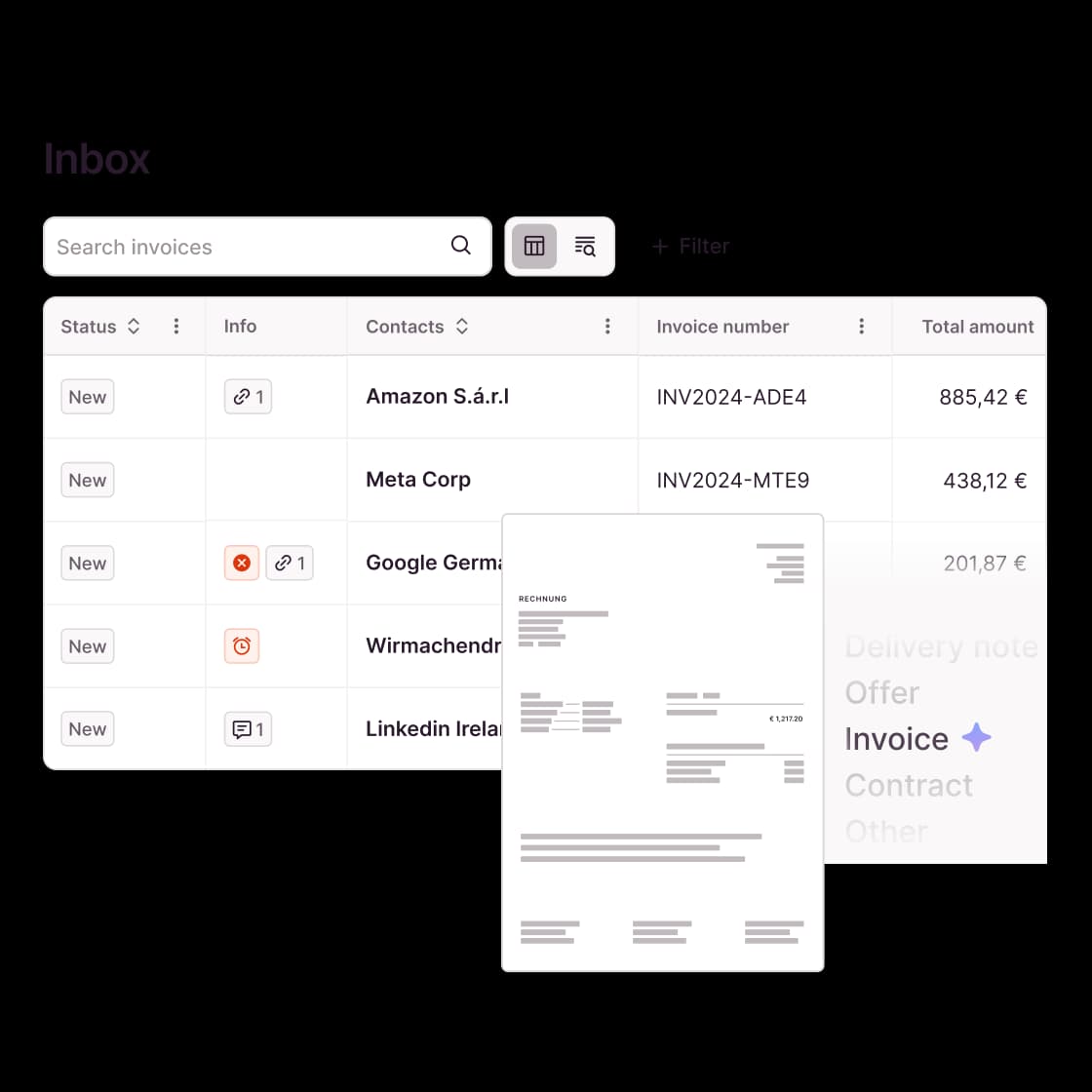
Match orders and their corresponding invoices and consolidate them - directly in Candis, completely automated.
You are immediately notified of any discrepancies between purchase orders and invoices and can check them. You can conveniently approve invoices with a purchase order reference, in the case of partial invoices even without the associated purchase order being closed in SAP Business One. This means you always have an overview of what is open on the order and which invoices you are still waiting for.
The Candis info package
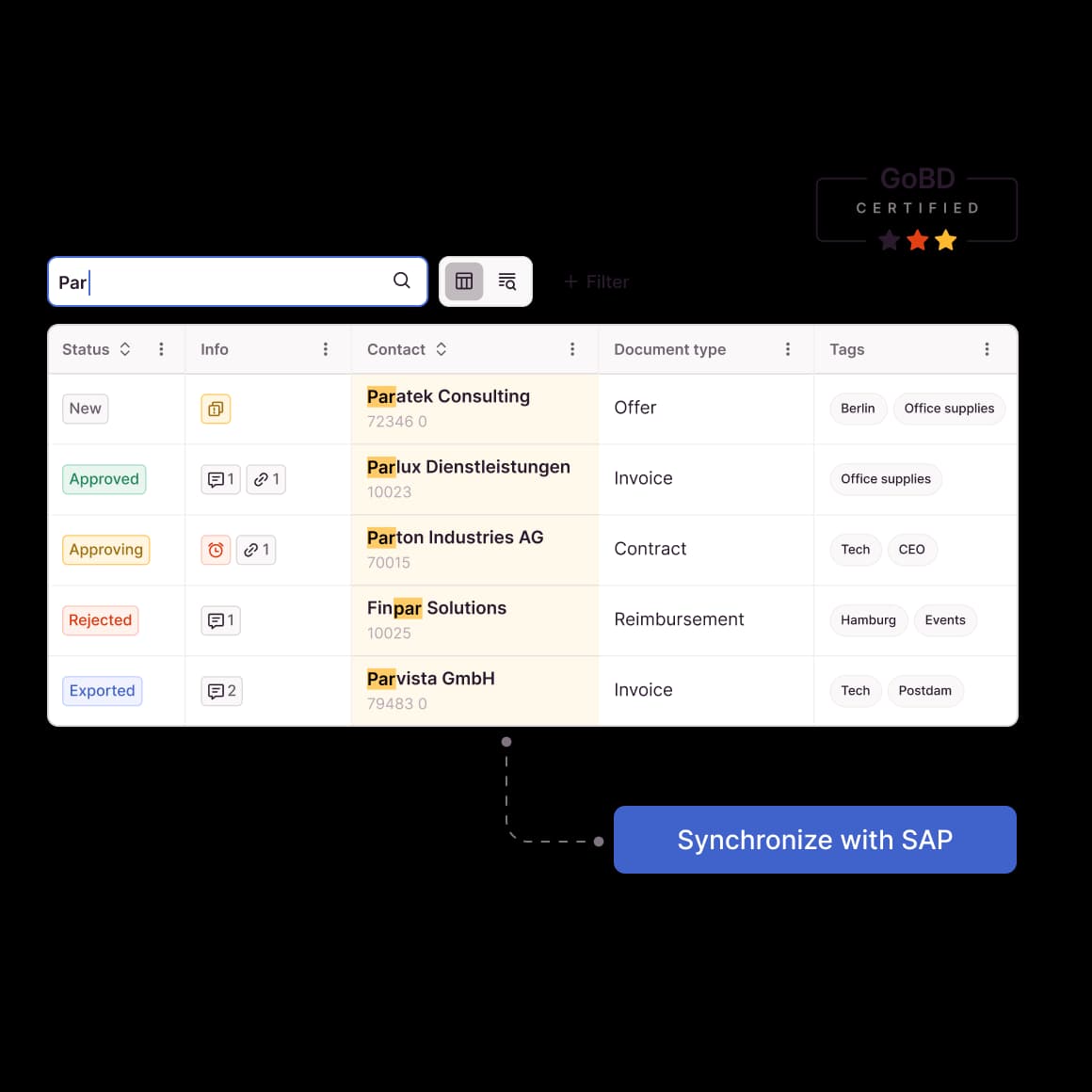
Full text search, filter & archiving for 10 years
Maximum transparency across all documents - thanks to the full-text search, you can completely search and filter (e.g. by document type) every newly uploaded document.
All your documents and their attachments are stored in the central digital archive on our German servers for a period of 10 years. And can be deleted carefree after the statutory expiry date if you wish.
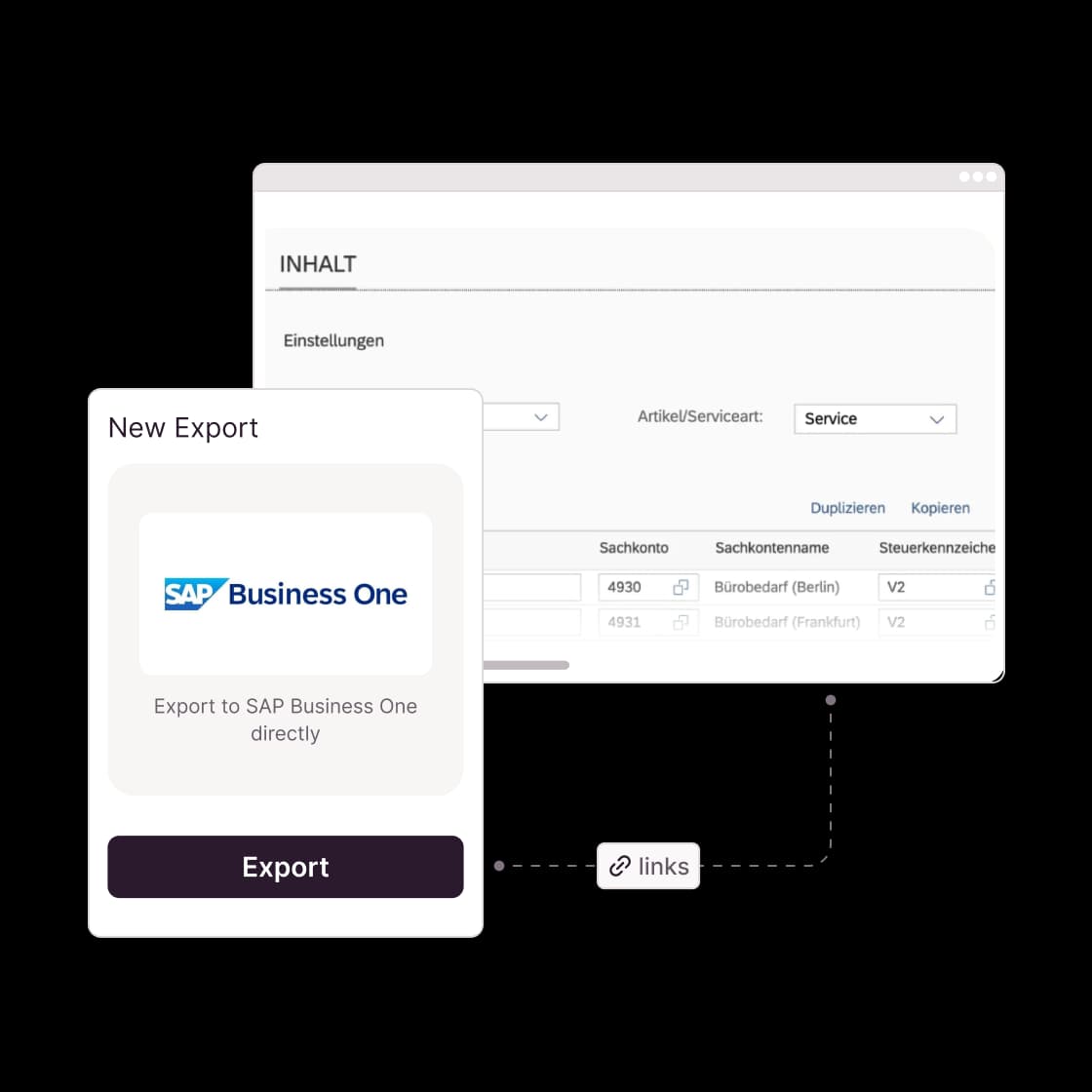
Integrate seamlessly with Candis and SAP Business One
Direct integration: Document data entered in Candis, including preliminary account assignment, is exported to your SAP Business One database.
Automatically synchronized master data: Your master data such as business partners, cost centers, and control keys are automatically synchronized between SAP Business One and Candis. This means that you have all data available when releasing invoices.
Easy implementation: Our standardized interface works without any additional effort for you. Without extra costs!
Interface support included: Our team will help you set up Candis and link your SAP Business One interface.
Find out for yourself whether Candis suits you.
FAQs about our SAP B1 Integration
Under certain circumstances, yes. For the implementation, an active service layer is required as well as a non-employee license for Candis. If you do not have either of these requirements, your system house can help you set them up.
Fortunately, Candis is independent of your ERP system! We can also connect to your new ERP using either our standard interfaces or our API. So you can continue to work seamlessly with Candis! Just get in touch with us!
We ensure that with updates, both of Candis and SAP Business One, the interface is still working.
Candis transfers a document ID during export. This makes it possible to open the document in Candis directly from SAP Business One.
To use the interface, you need at least SAP Business One version 10.0.
Of course! We offer various options for connecting other ERP systems. If you have the resources for such a project yourself, your developers can use our API endpoints for a connection. Otherwise, we also have standard exports in CSV or XML format, which you can then use for an upload.