Post approved invoices in Business Central without additional licenses


4 min
If Microsoft Business Central is your destination, Candis is the right place to start. With Candis, you can automatically receive financial documents, extract data using AI, set up custom approval processes and archive everything in a GoBD-compliant way. Ready to use in just a few days – with no lengthy setup or high implementation costs.
Access to archived financial documents – no Microsoft licence required
Automatic synchronisation of master data into Candis
Define individual workflows clearly and with ease
Extendable to include travel expenses and company cards
4 min
From Invoice Receipt to Export
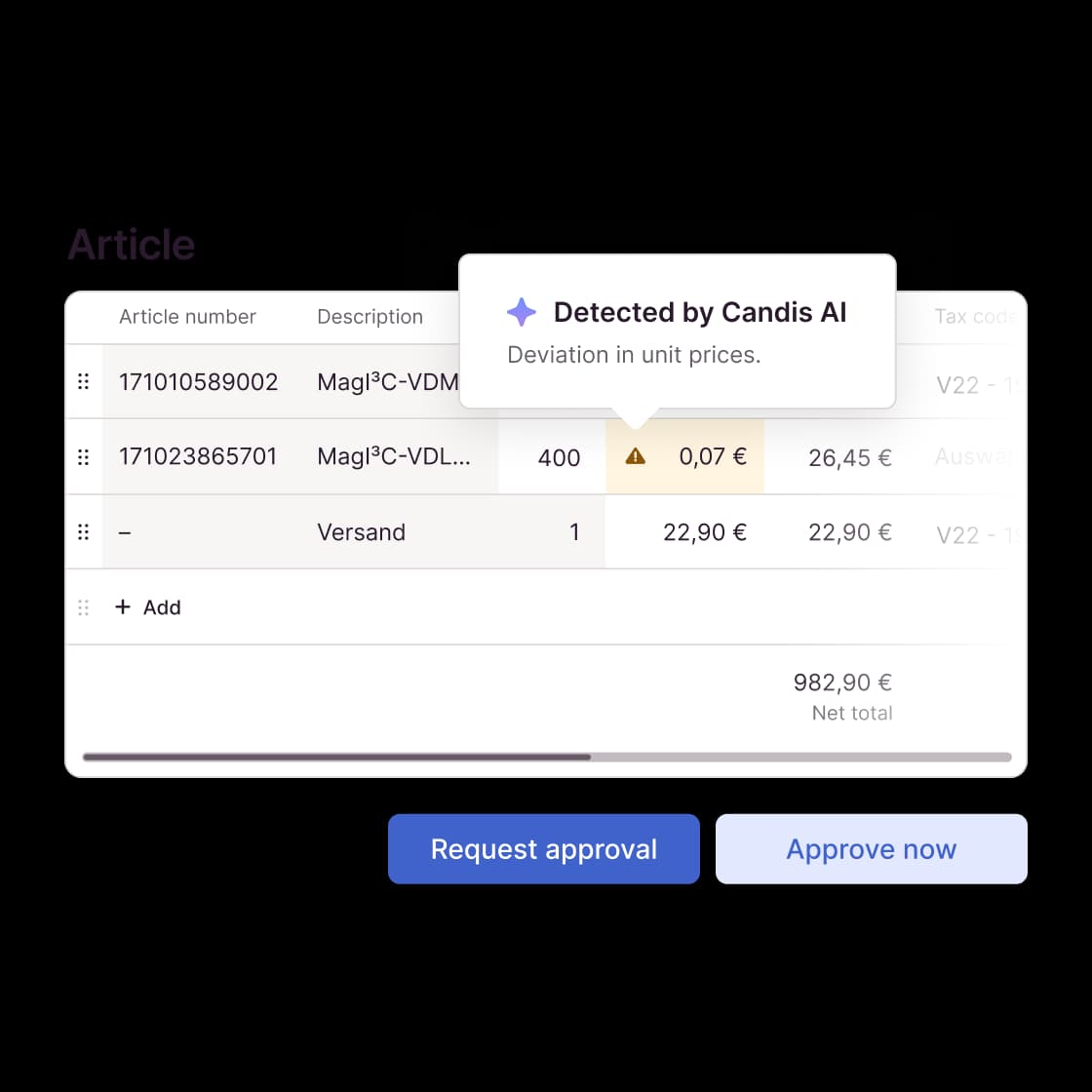
We streamline your invoice management – powered by our artificial intelligence, the Candis AI. It reads documents automatically, classifies them, and automates approval and coding processes.
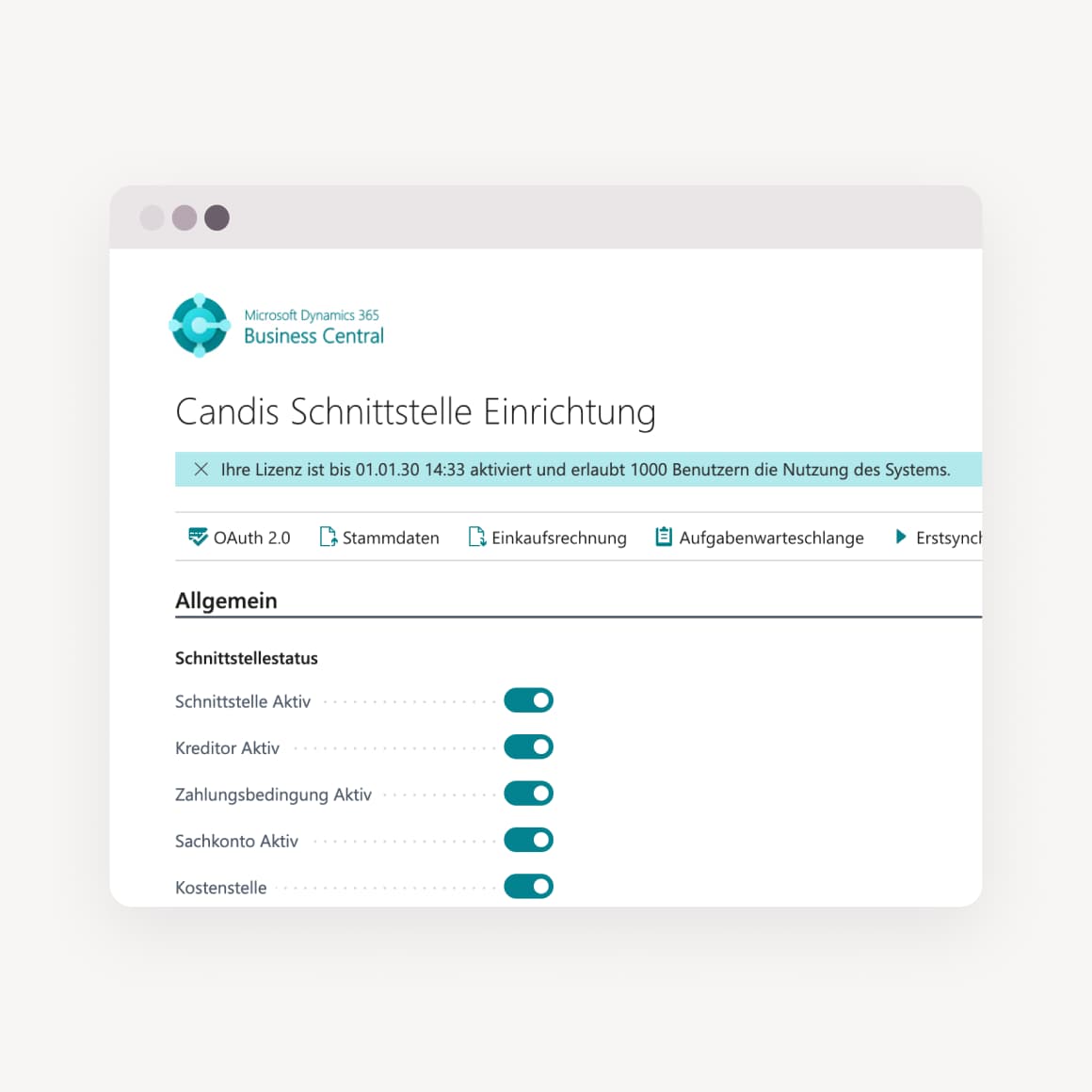
Seamless integration: Process all documents in Candis, export to Microsoft Business Central + post directly
Quick to set up: The interface is available anytime via Microsoft AppSource + can be installed in minutes
Better collaboration: Add unlimited users + entities – with no additional costs
A Strong Partnership
Nothing works without teamwork – not in finance teams, and not on our side either. That’s why we’ve developed the interface to Microsoft Business Central in collaboration with the Sievers Group, an experienced Microsoft partner.
Reliable support during installation + connection of the interface
Ongoing development of the integration at no extra cost
Technical support for detailed questions around Business Central
GoBD-compliant archiving
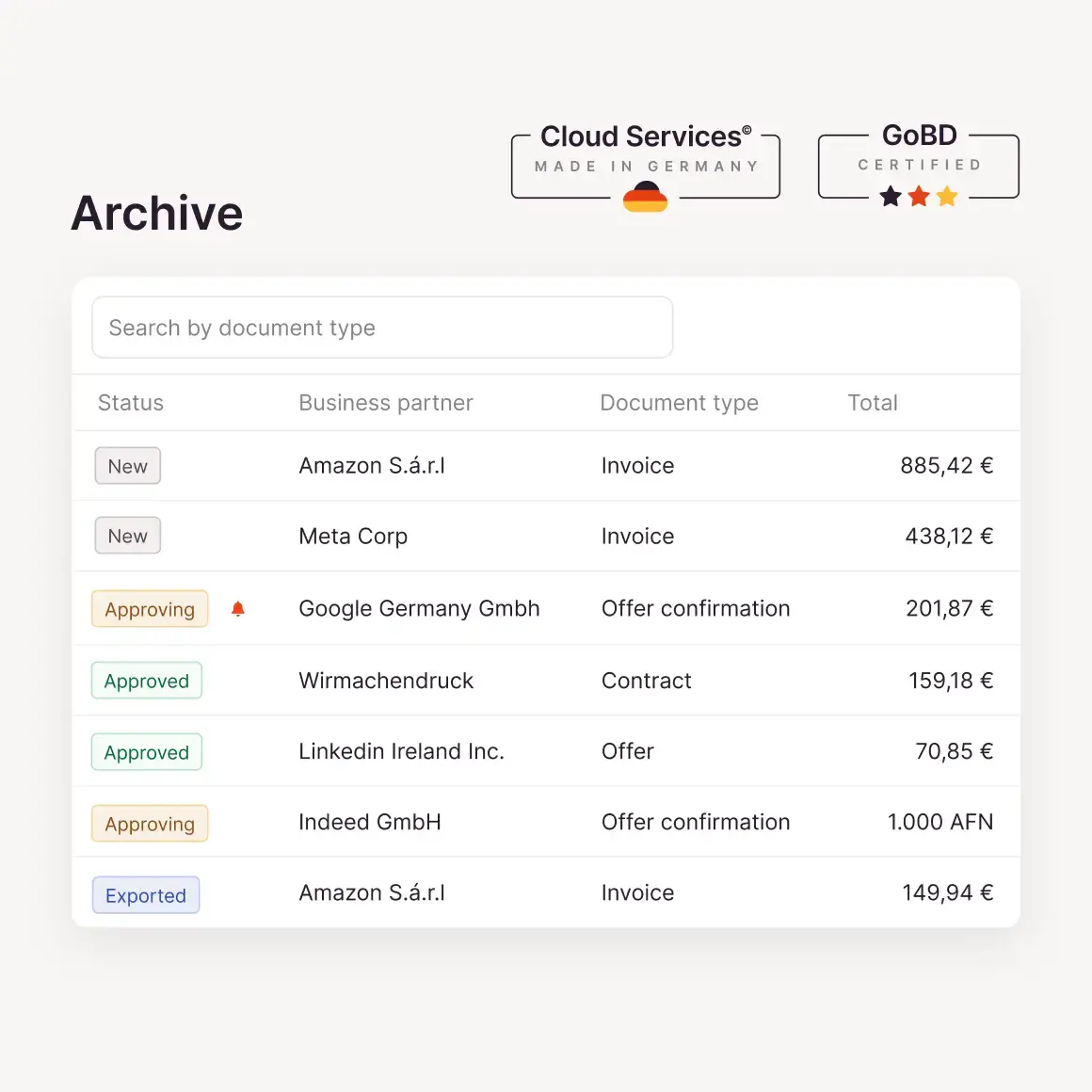
Candis stores invoices and receipts in the cloud in an audit-proof manner. Every change, every access, and every approval step is documented in the document history. Completely traceable—at any time.
The archive with a future:
With our 10-year retention period, you always have everything at your fingertips—even during an audit.On the safe side:
We automatically meet all requirements for audit-proof archiving.Data protection made in Germany:
Your documents are encrypted in accordance with GDPR and stored on German servers.
You can keep track
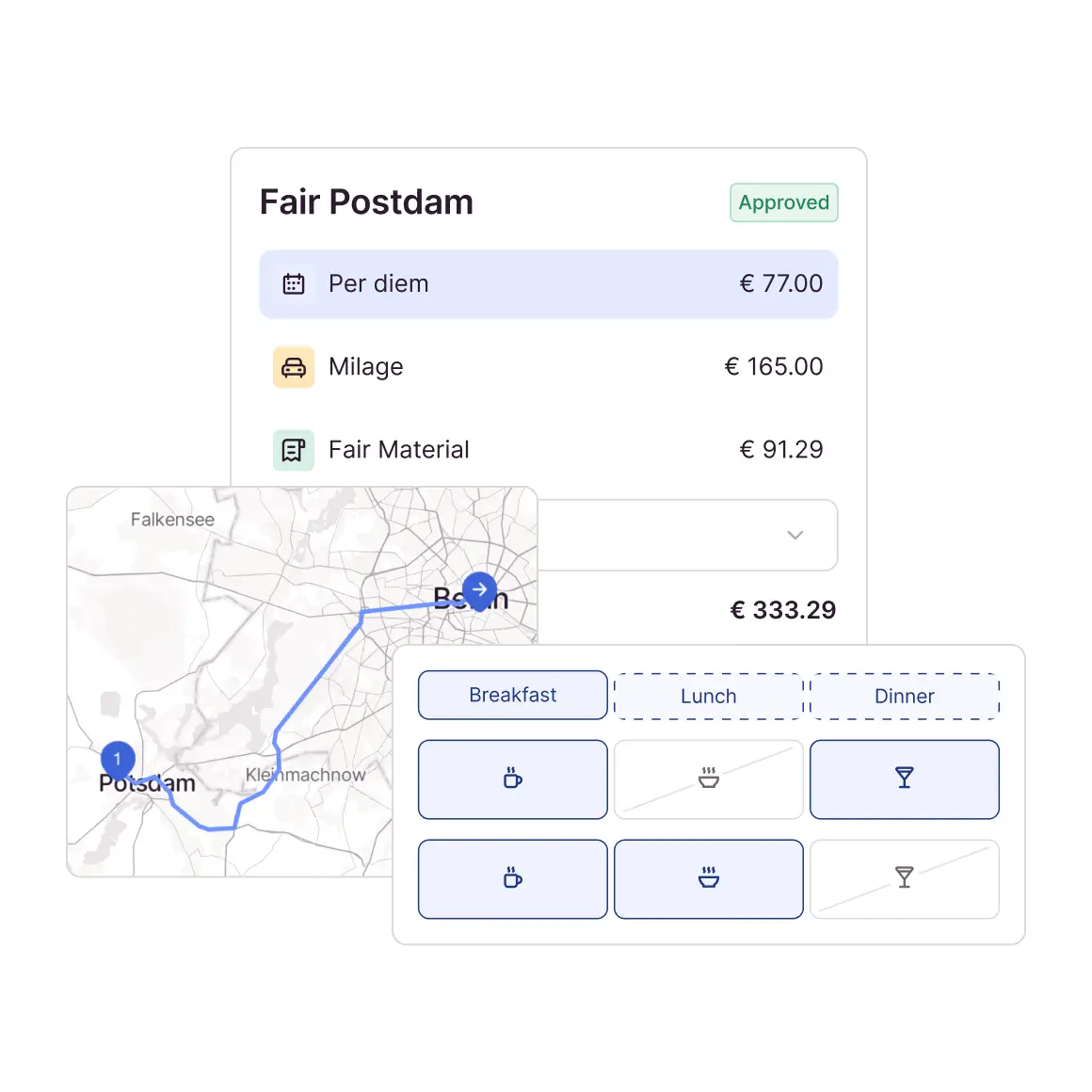
Invoices in one software program, travel expenses in another - and an Excel sheet somewhere in between? Accounting and submitters quickly lose track of things. There's a better way. With Candis, everything comes together in one tool: Invoices, expenses and travel costs in one place. Simple and clear, for everyone.
Per diems automatically calculated
Mileage allowance: enter start + destination, we do the rest
Simply upload expenses via app or PC
Hospitality receipts incl. participants
Fast approval, fast reimbursement
Find out if Candis is right for you
FAQs about our Microsoft Business Central Integration
No, that is not necessary. We will take care of the setup together, including installation of the connector.
Fortunately, Candis is independent of your ERP system! We can also connect to your new ERP using either our standard interfaces or our API. So you can continue to work seamlessly with Candis! Just get in touch with us!
We ensure that with updates, both of Candis and Microsoft Business Central, the interface is still working.
That depends. The connector is generally available to customers who use Business Central via the Microsoft Cloud. Installation in the on-premises version is possible but not the norm.
Of course! We offer various options for connecting other ERP systems. If you have the resources for such a project yourself, your developers can use our API endpoints for a connection. Otherwise, we also have standard exports in CSV or XML format, which you can then use for an upload.
Candis creates complete purchase invoices, including header and item lines. Document images and process documentation are stored directly with the invoice.