Invoice release with Sage connection

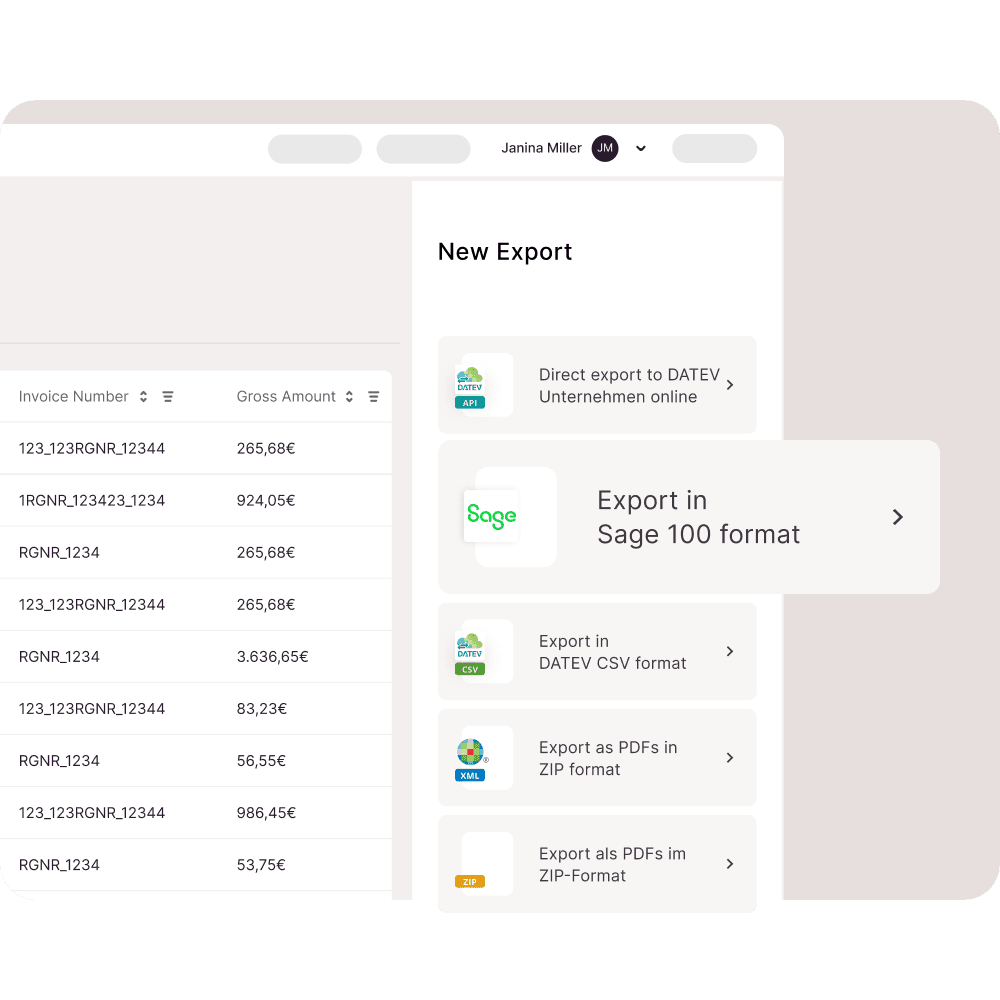
Release invoices from anywhere and export data to Sage 100 with Candis.
More than 10,000 companies already rely on Candis
Less effort through Sage connection
Invoice data such as document data incl. document image URL as well as the process documentation of all work steps are exported from Candis to Sage 100. Double entries can thus be avoided.
Discover functions
Task overview
Task overview
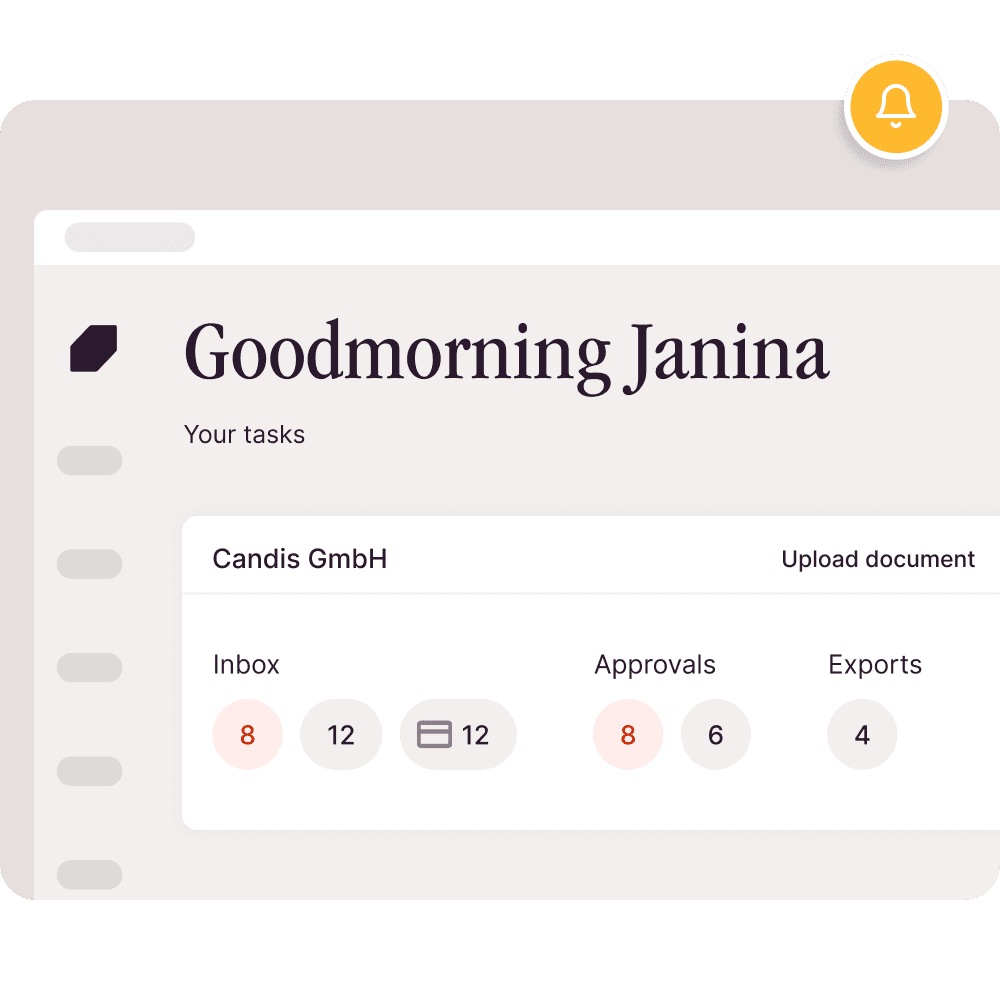
You get a coffee in the morning, start CANDIS and see all your tasks for today at a glance. Easy.
In the dashboard you can see the details of each invoice, whether it's the amount, date, approver or approval status.
Data collection
Automatic capture of invoice data
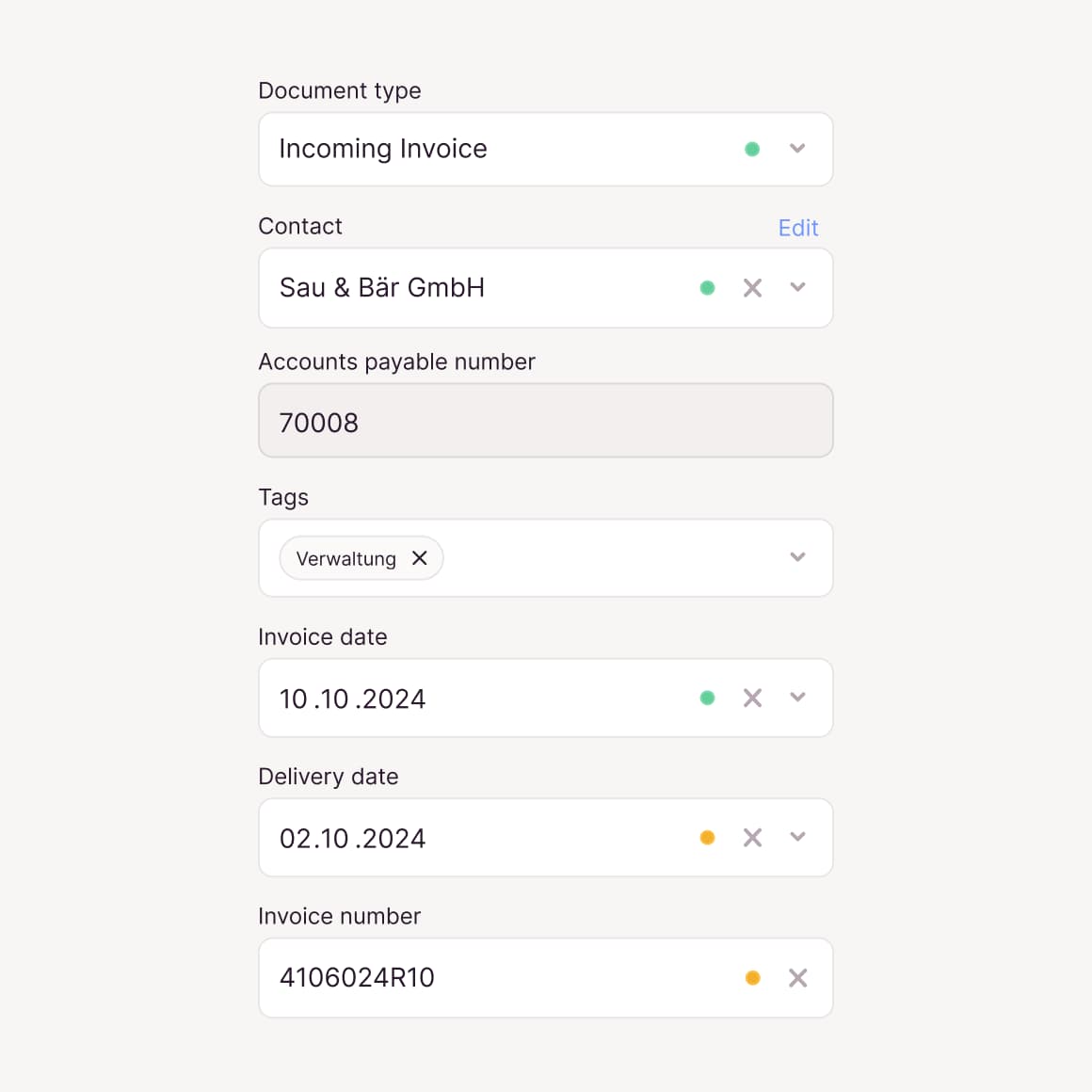
In the past, you typed in data laboriously. Now you can let OCR do the work for you: it reliably reads out relevant invoice data, such as business partner, amount, date or IBAN.
Multi-level release processes
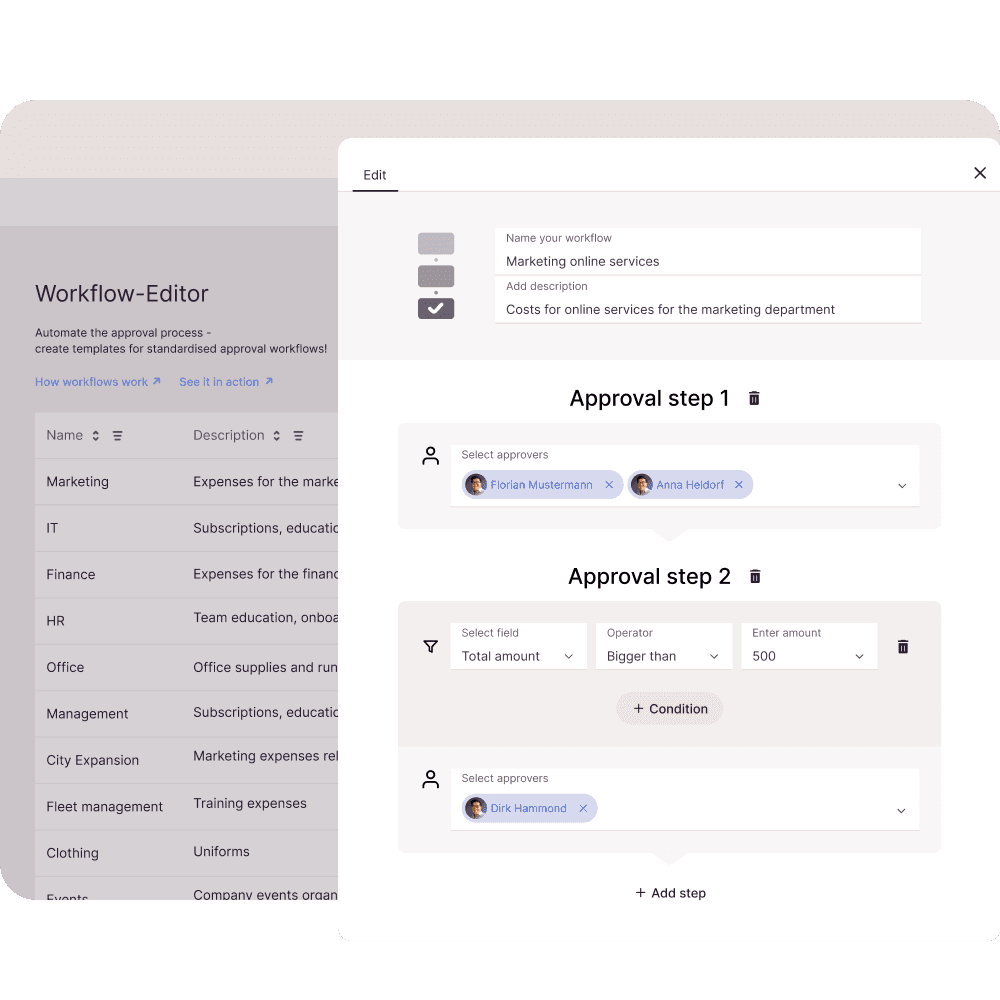
Complex and multi-level release workflows
You set individual limits and conditions for each approver. Several people can be integrated into each workflow. Based on these set rules, the approver is automatically informed when the desired invoice is issued.
Document comments
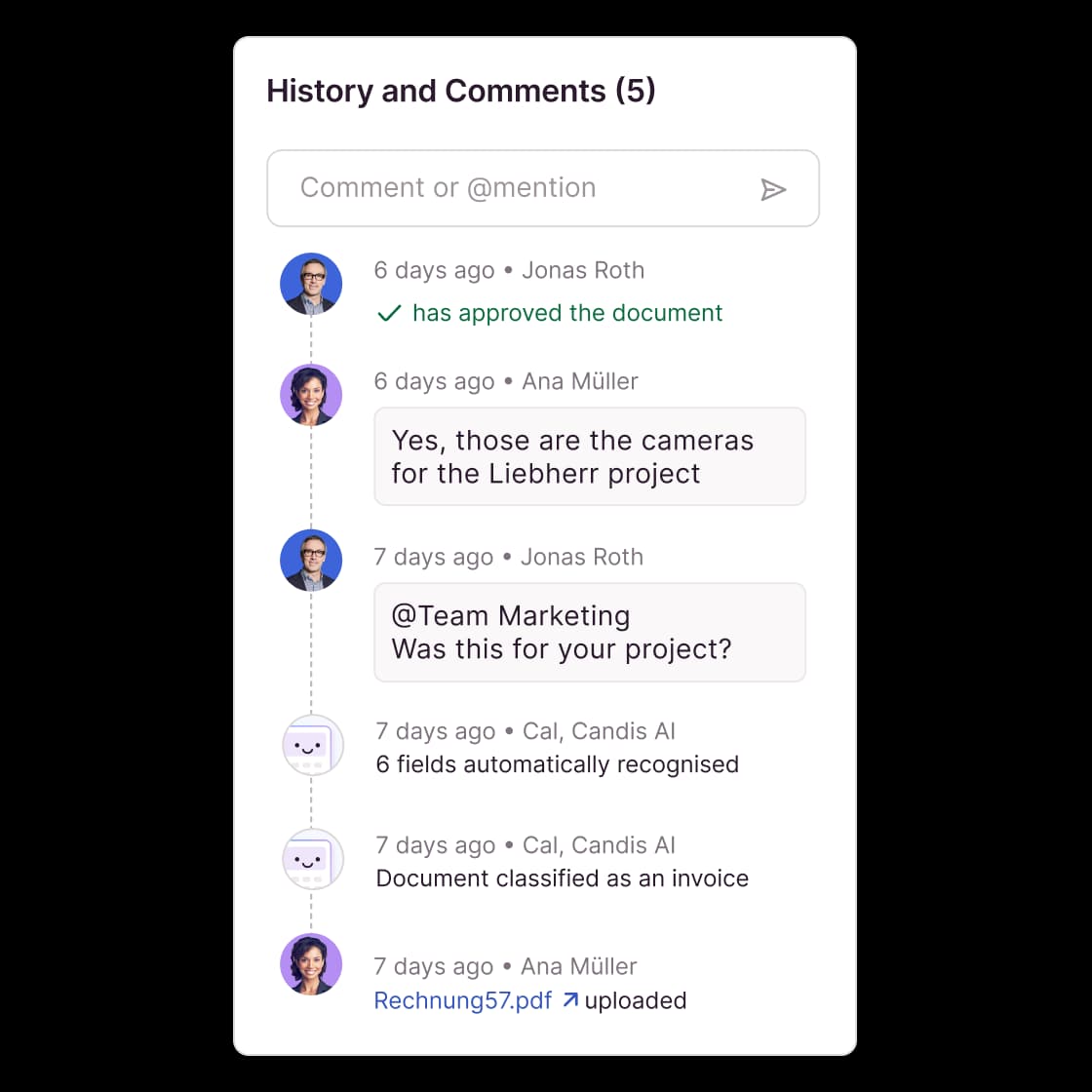
Clarify queries directly
Use the comment functions to ask questions directly on the document. Finally, no more writing emails or making annoying phone calls. Communication takes place entirely in Candis.
Search function
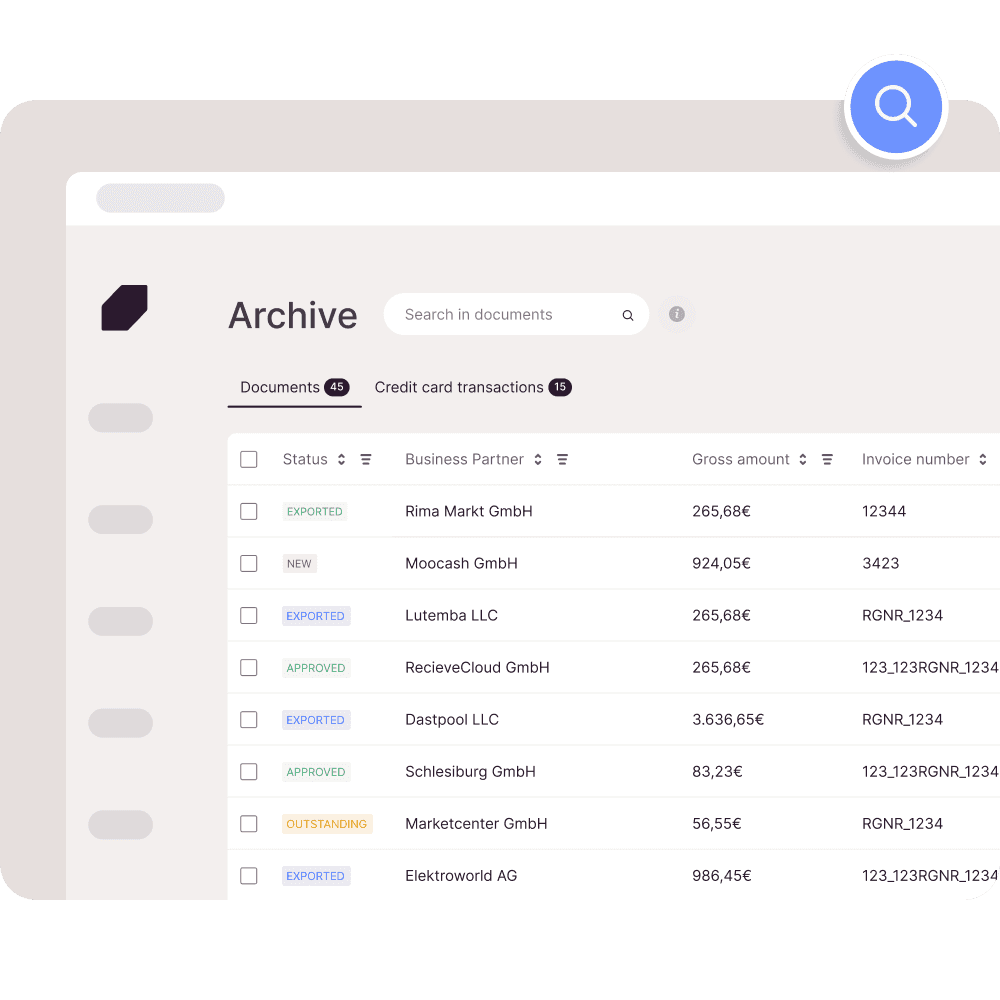
Searchable document archive
In the comprehensive invoice archive, you can find every invoice within seconds thanks to intelligent search and filter functions.


"As a dynamic company, we are always looking for optimal solutions. Candis makes invoice management as straightforward as possible. Everything you need in one place."
Alexander Knopp, Accountant
Jacob-Holding


"Candis is very easy to understand. Even new employees quickly find their way around. I can do everything myself and don't have to invest extra money for another provider."
Julia Jansen, Senior Finance Manager
IONIQ Group


"What's also always underestimated is that those who approve invoices are often on the road a lot and can log in with Candis from any location."
Martin Passenheim, Accounting Manager
Urbanara


"The cost centers were especially important for us. We asked for them and they were built in. That was really great."
Saif Hamed, Managing Director
Kukki Cocktail


"As an accountant, I just appreciate Candis for automating & simplifying the approval process and having invoices back quickly with all the info to post."
Christina Bagli, Accountant
Picture People


"For me, Candis stands for a high level of automation! Their claim is clear: There is always room for improvement. Twice as fast as before, we already are!"
Philipp Hammerich, Managing Director
Rightmart
Is Candis a good fit? Find out.
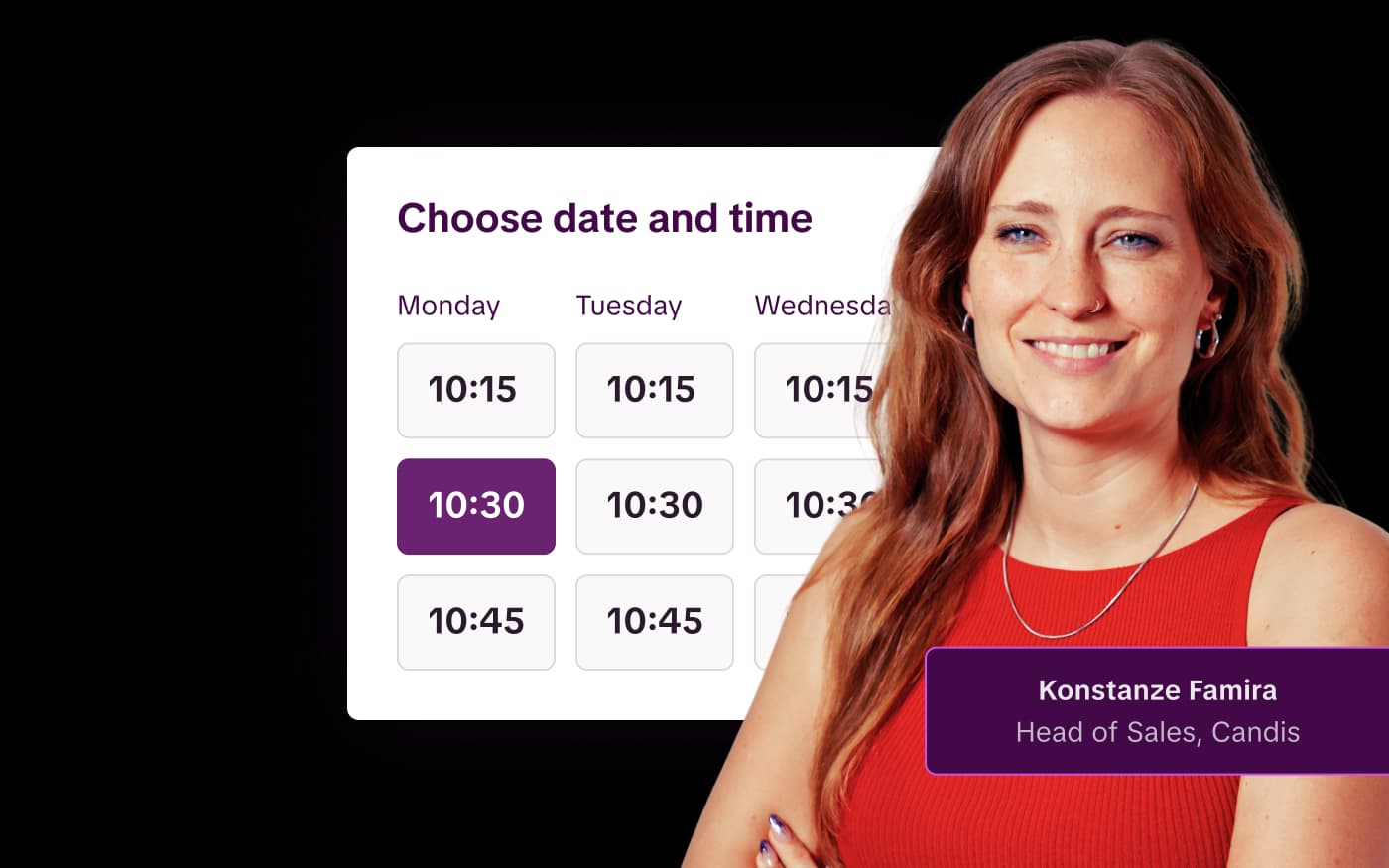
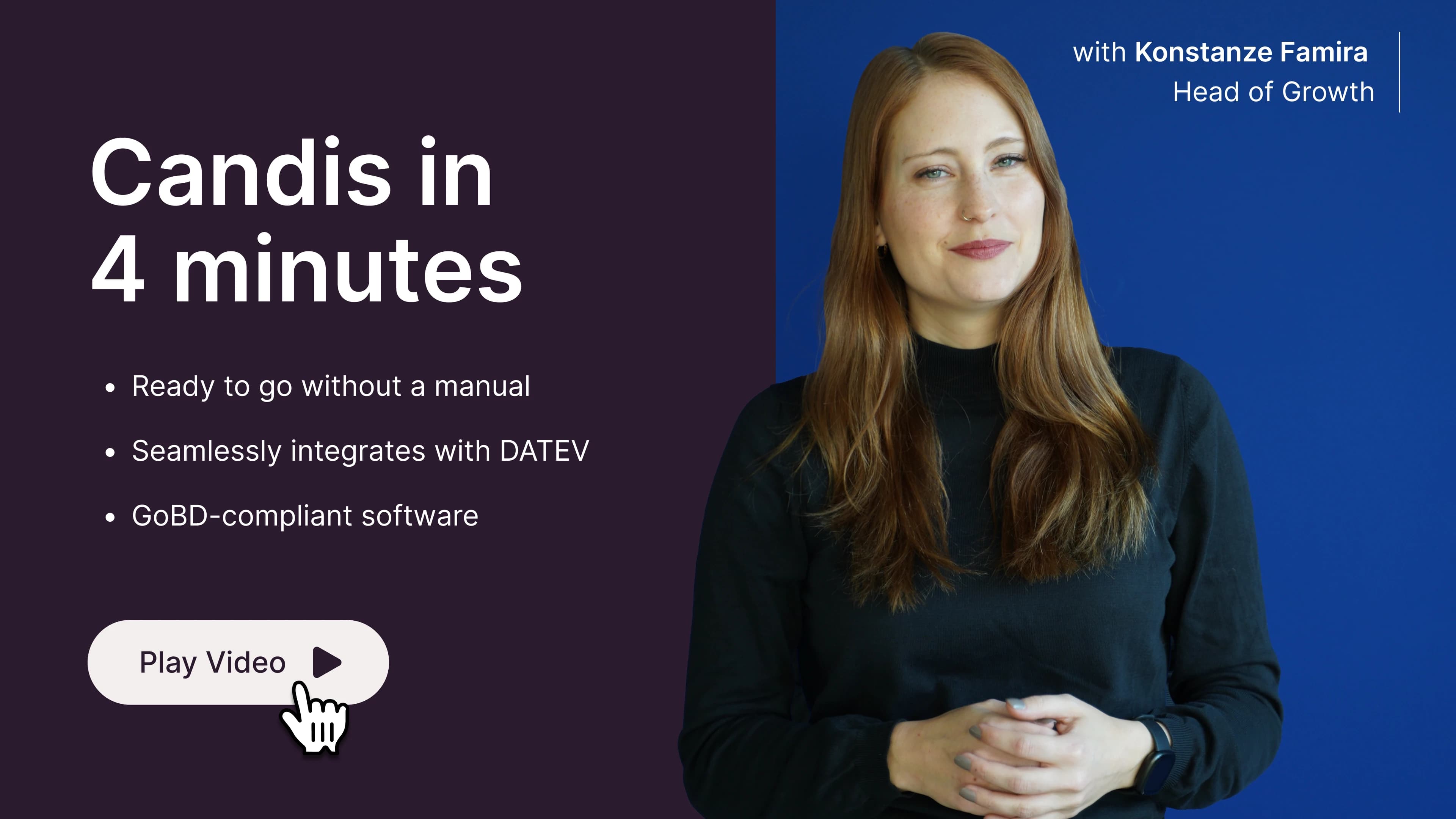
In 4:33 minutes, Konstanze explains what Candis can do, which integrations we offer and how you can get started.

4 min
Find out for yourself whether Candis suits you.