
More than 10,000 companies already rely on Candis
Candis automates only unambiguous cases
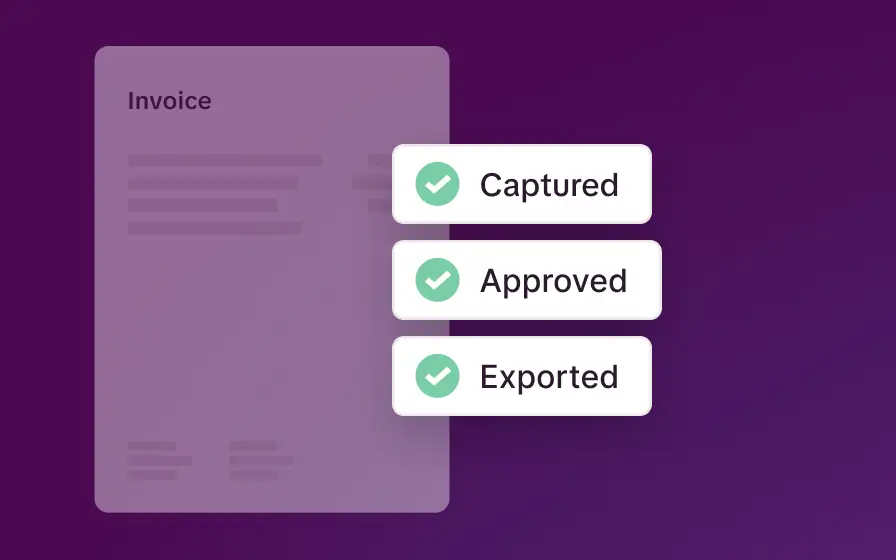
The benchmark: your verified bookings
Reviewed, correctly posted invoices form the basis.
G/L account, cost center, and workflow are recognized.
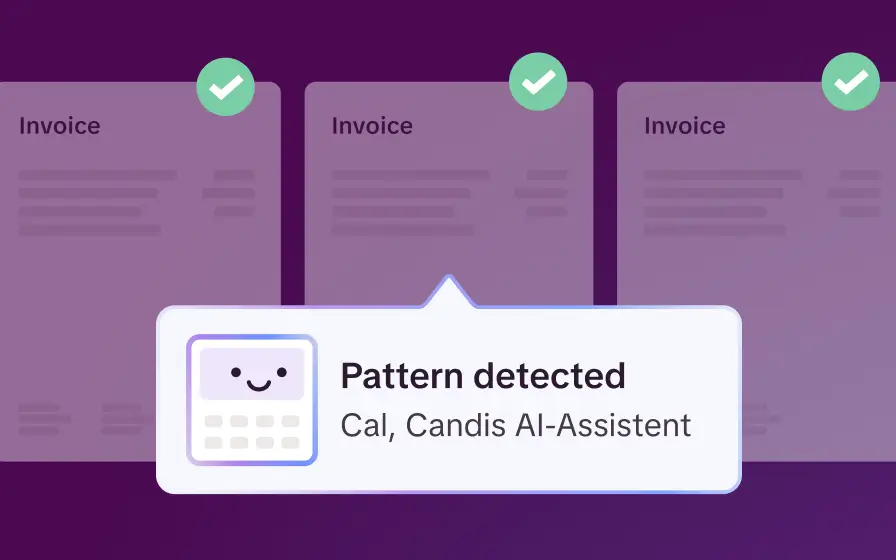
Candis recognizes recurring patterns
Recurring invoices, small amounts and purchase requisitions are automatically recognized.
The automation system uses these recognized patterns.
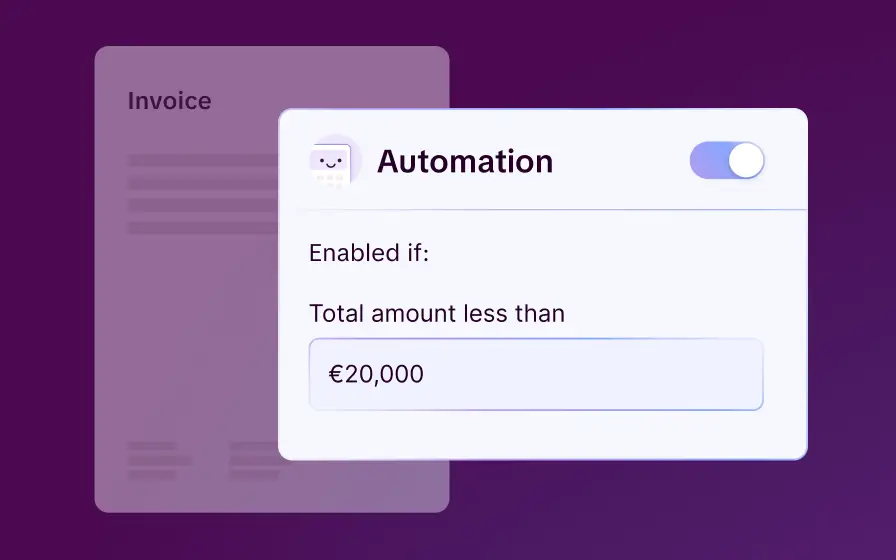
Automation within clear guidelines
Amount limits and guidelines you define determine when Candis automatically processes transactions.
Ambiguous cases are forwarded for review.
Four types of invoices Candis handles for you.
These features lay the foundation
Faded thermal receipts or invoices in a foreign language? Whatever comes in gets captured. Candis reads invoice data automatically – completely, with no manual entry.
More precise: Up to 11% more accurate than classic OCR
Intelligent: Recognizes mixed VAT rates (0%, 7%, 19%)
Multilingual: Recognizes Greek, Japanese, and Cyrillic
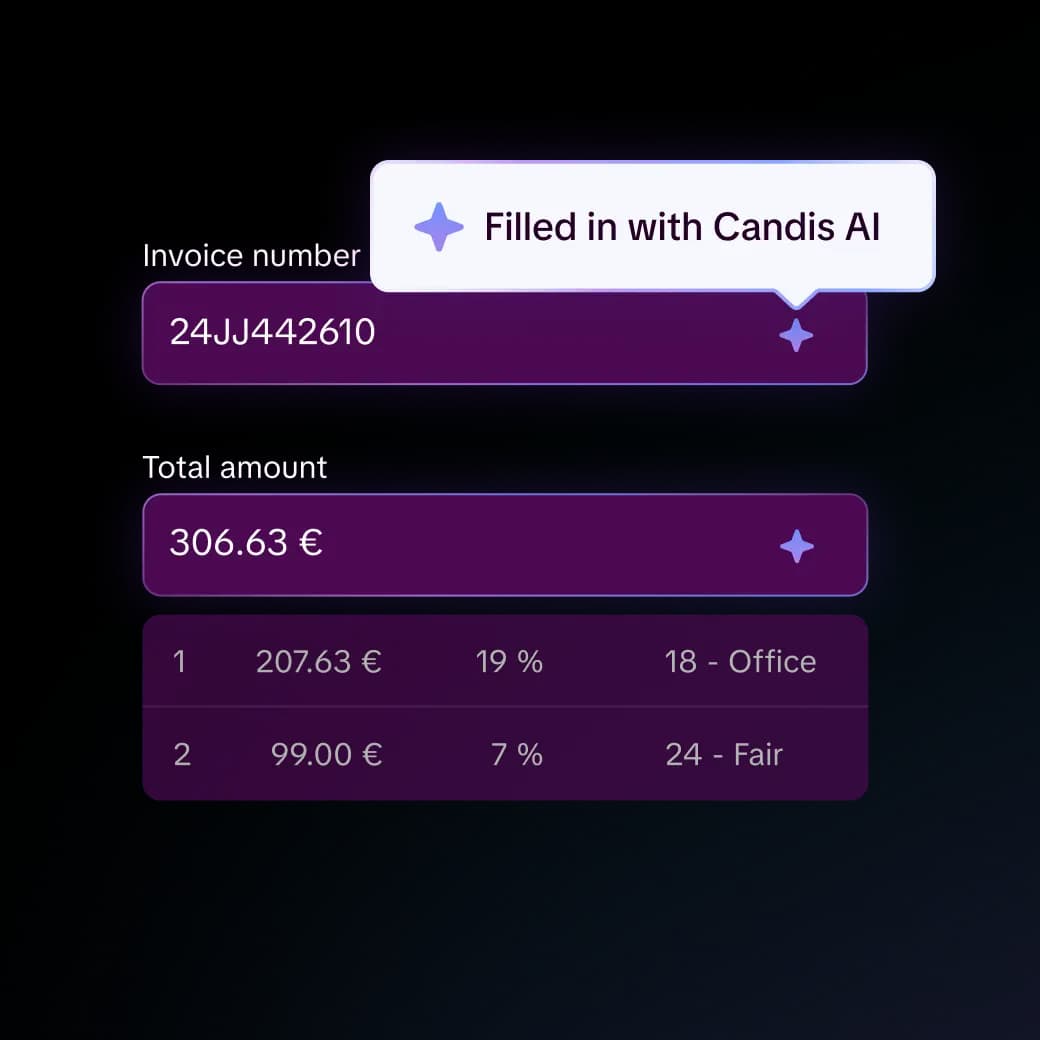
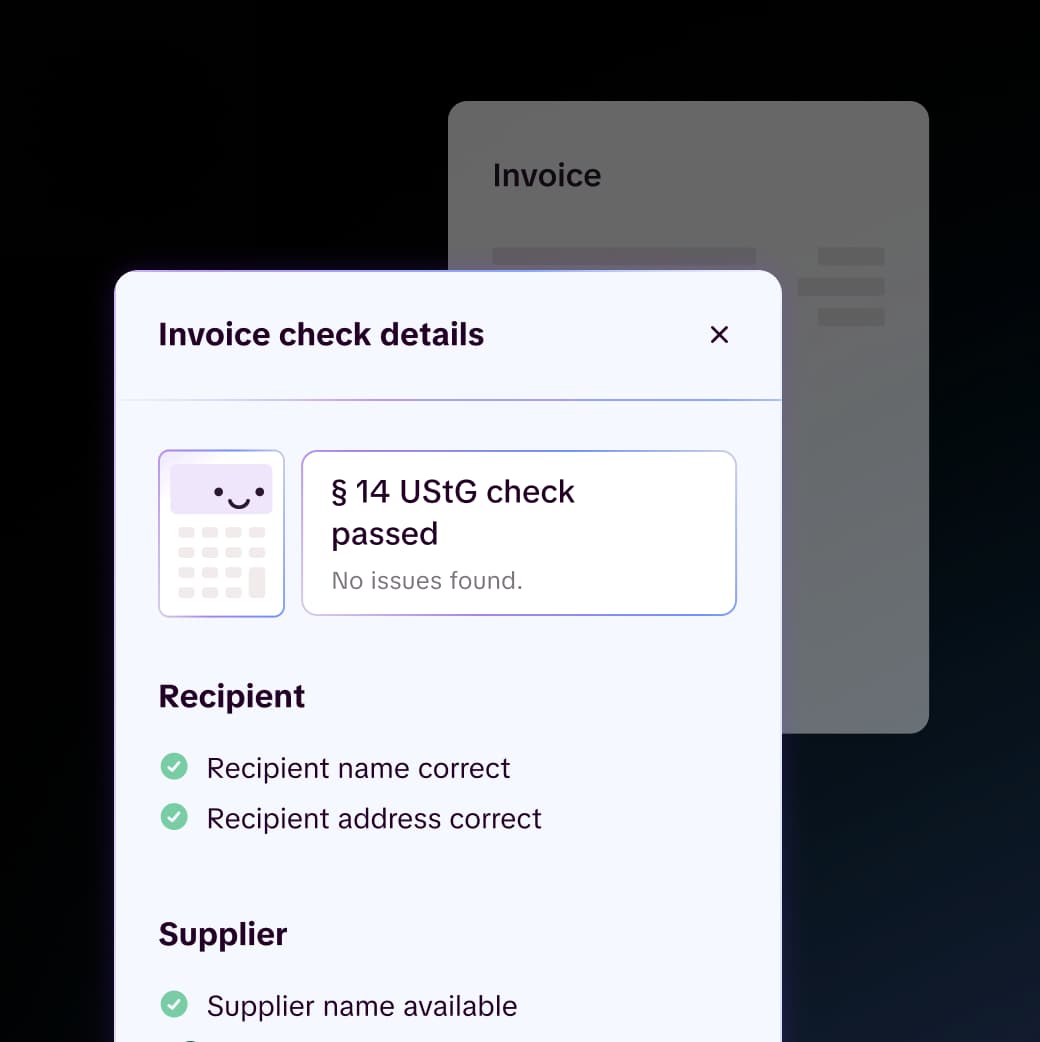
Candis automatically checks every incoming invoice for completeness under §14 UStG. If mandatory details are missing or incorrect, the invoice is flagged immediately – instead of entering the automated process, it stays with accounting for manual review.
Legally compliant: Checked against §14 UStG and §33 UStDV
Comprehensive: Detects missing details such as VAT ID, service period, or address
Proactive: Incomplete documents are flagged before they enter the process
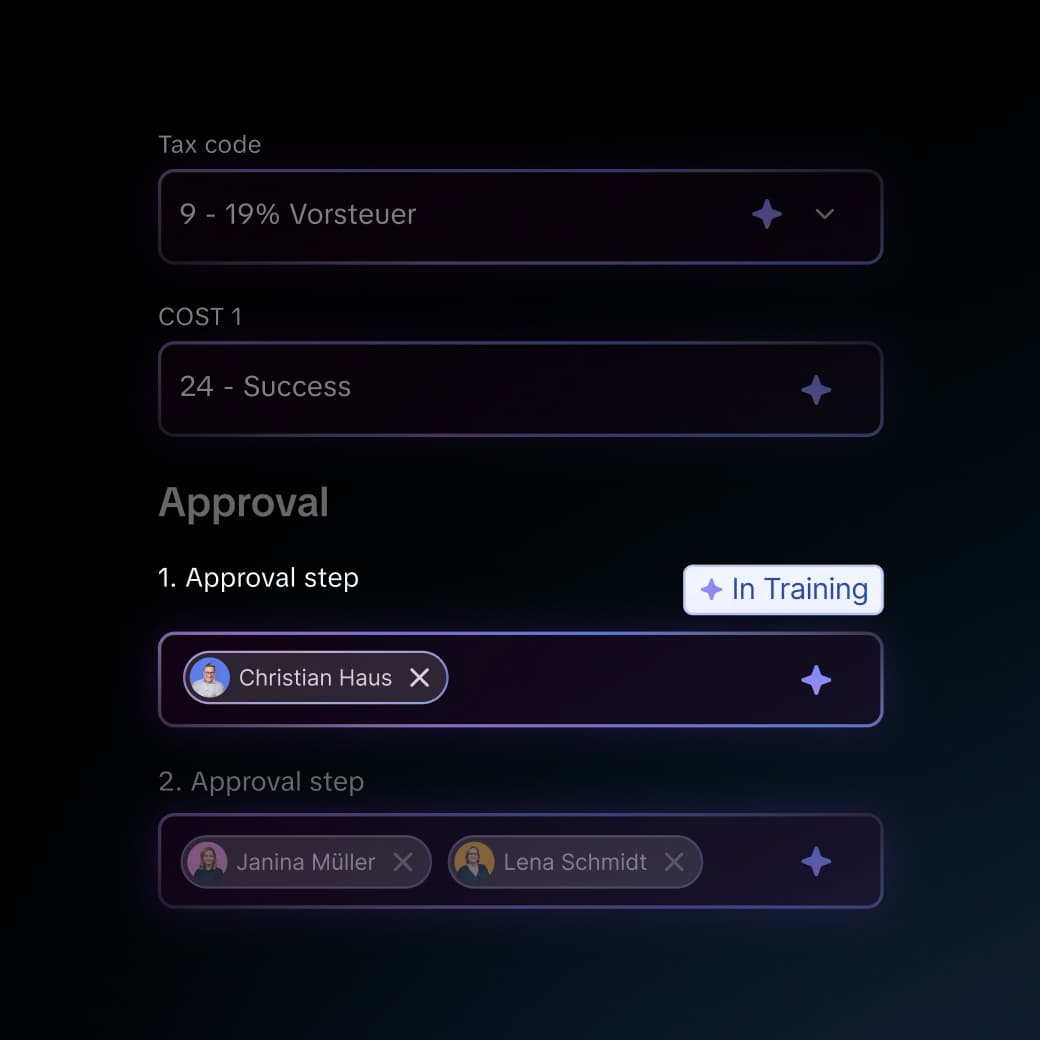
Candis recognizes known patterns and handles pre-assignment automatically – completely, consistently, and based on your own posting history. Anything recurring doesn't need to be decided again each time.
Complete: G/L account, cost center, tax code, and approver filled in automatically
Consistent: Always creates posting texts in the same format
Intelligent: Our AI keeps learning with every use
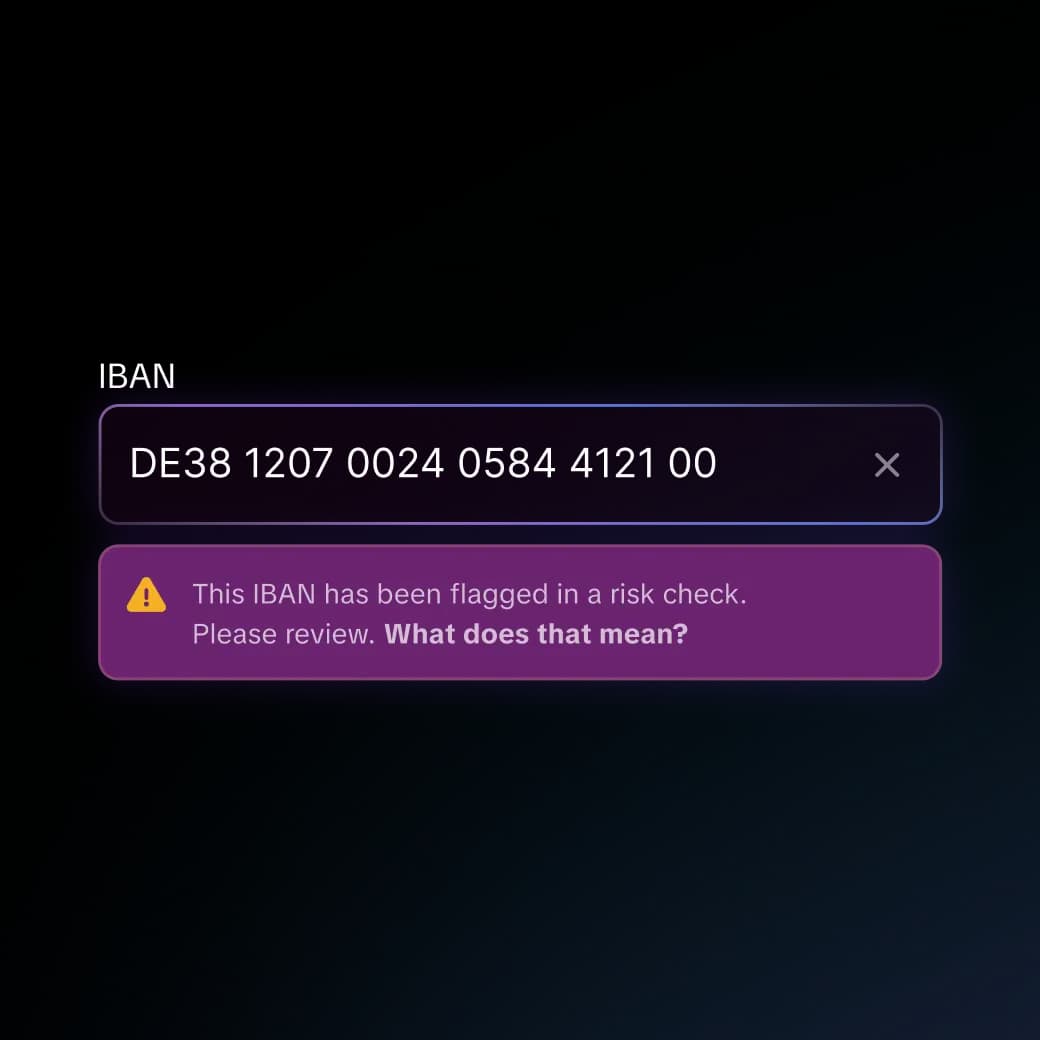
Candis checks every incoming IBAN in the background against an external risk database. Anomalies are flagged immediately – on the document and the contact – so nothing slips through unnoticed.
Automatic: Runs in the background for every incoming invoice
Visible: Risk flags appear directly on the document and the contact
Comprehensive: Every IBAN is checked – no exceptions
Find out for yourself whether Candis suits you.

Manual processing vs. Candis automation
| Manual processing | Candis automation | |
|---|---|---|
| Careless mistakes in routine tasks | Increases with workload and duration | Eliminated for clear-cut cases |
| Illness or departure of the responsible person | Knowledge is often lost | Rules remain independent of individuals |
| Ambiguous invoices | Reviewed manually | Also reviewed manually |
| Basis for the decision | Individual judgment in the moment | Previously self-approved postings |
This is what our customers say.




FAQs
Yes. Candis automates only those processes that are unambiguous and based on previously verified entries. Anything that deviates from this is automatically forwarded for manual review. Every step can be traced through the procedural documentation and the Internal Control System (ICS).
Unlike generative AI, Candis does not rely on probabilities or general knowledge. It automates only those decisions that your accounting department has already made the same way multiple times.
No. A tax audit evaluates systems and processes – specifically, whether there is clear documentation of what happens, when, and according to which rules. This traceability is ensured through procedural documentation, regardless of whether a transaction is processed manually or automatically. Since Candis AI operates exclusively on the basis of manually reviewed transactions, every step is uniformly structured and fully documented.
Candis doesn't make its own decisions. It only automates what your accounting department has already approved in advance. You set the rules, Candis applies them consistently.
Yes. Candis doesn't rely on general standards, but rather on your previous entries. Recurring decisions regarding general ledger accounts, cost centers or workflows can be applied automatically.